Ch 1 Getting Started 9
Updates and Language Installs section of our website. Review
Full Download Instructions for details on how to download
the operating system.
You can also go directly to our website from a computer
with internet access. Operating system les and download
instructions are located at hp://www.junipersys.com/Juniper-
Systems/support/Downloads/Mesa-Rugged-Notepad. Technical
documentation is located at hp://www.junipersys.com/Juniper-
Systems/support/Documentation/Mesa-Rugged-Notepad.
Updates
To look for updates to the operating systems and technical
documents, go to our website at the addresses listed above.
Compare version numbers to see if you have current les.
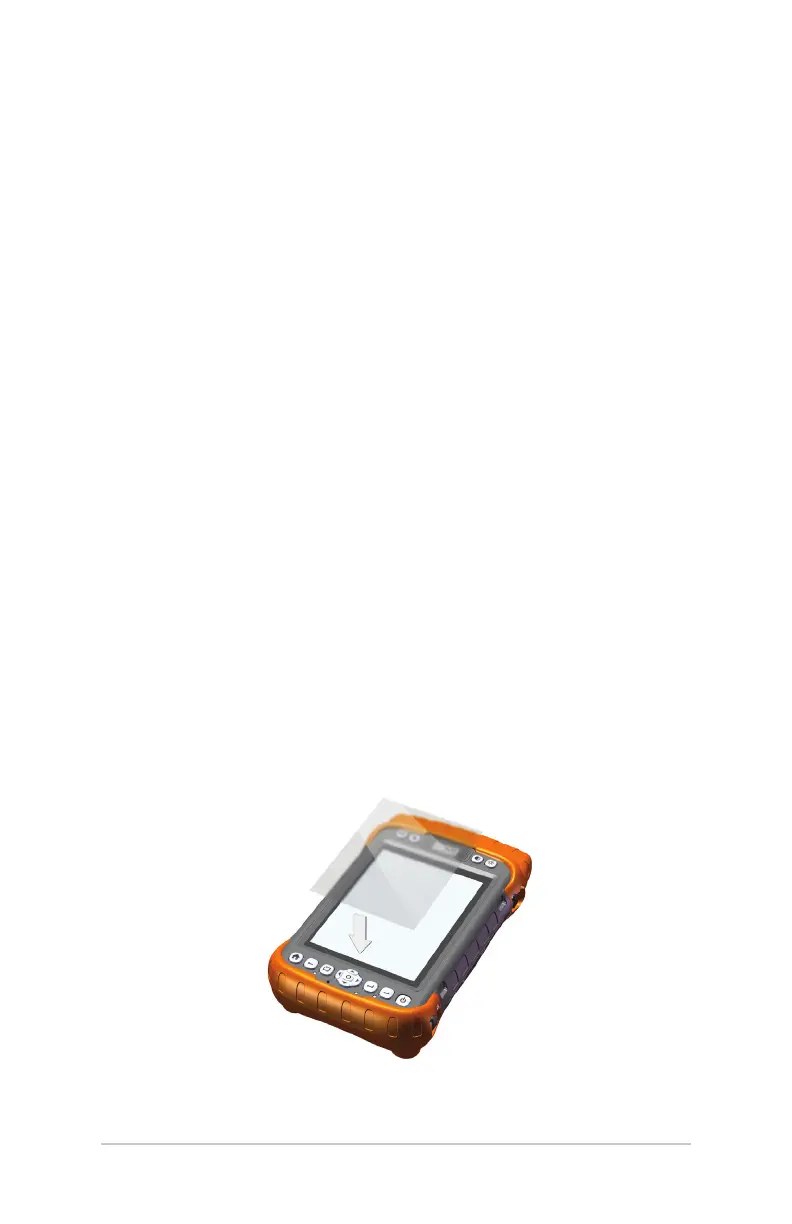
Apply a Screen Protector
Before using the Mesa, apply a screen protector to the surface
of the touchscreen to protect it and make it scratch-proof.
Screen protectors are included with the Mesa. Refer to the
installation instructions in the package for specic details.
1. Clean the screen with the dust-free cloth. Compressed air
can be used to blow o any remaining dust. Note: Do not
use paper towels or a cleaning solution on the touchscreen.
2. Aach the screen protector as instructed.



 To Next Page