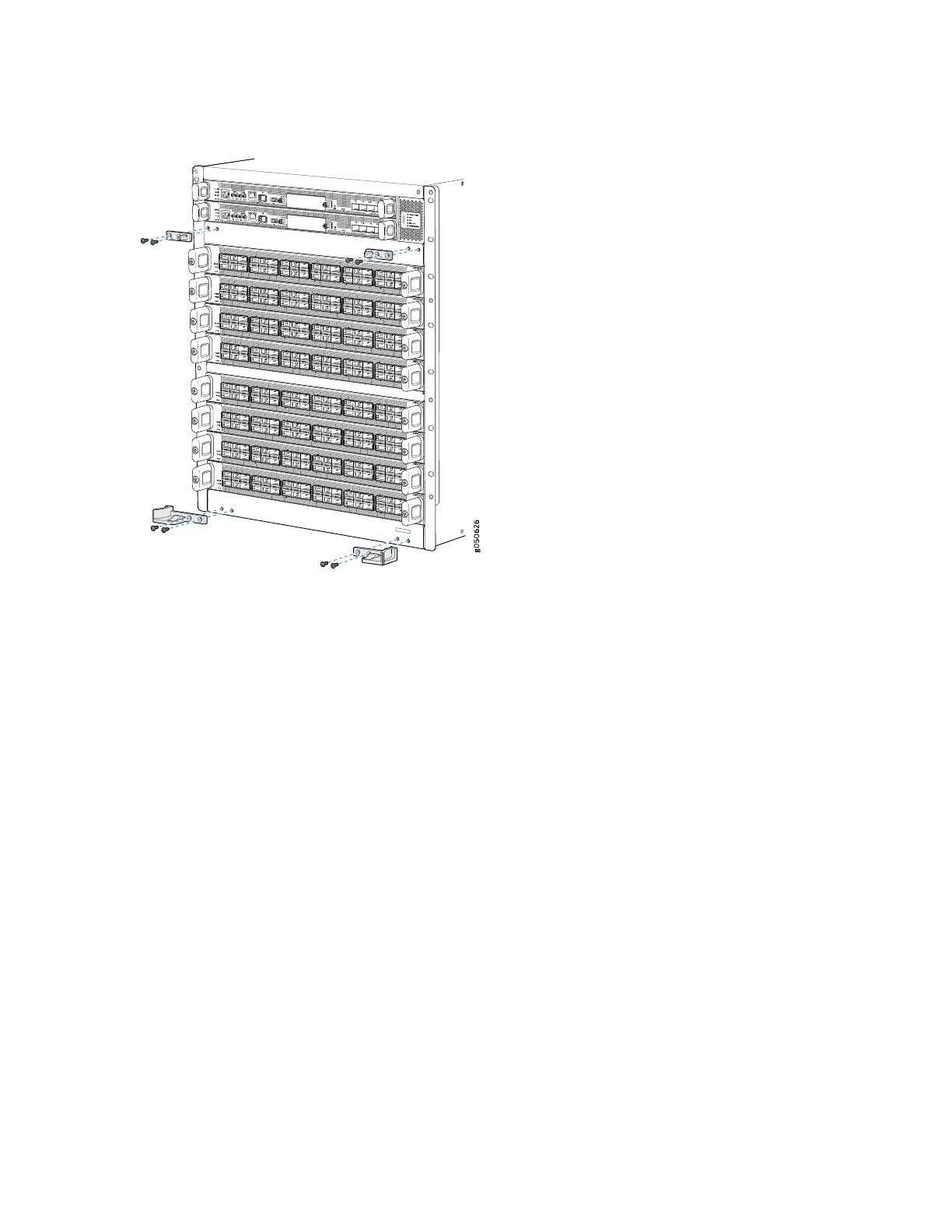
Figure 57: Attaching Front Panel Brackets on an MX10008
6. Use the final two mounting screws to attach a latch bracket to the top right of the chassis frame so
there are brackets on all four corners of the front of the chassis.
7. Lift the front panel and rest it on the two bottom brackets.
8. Slide the panel back on the bracket glides until it engages on the two ramps.
9. Tilt the panel towards the chassis until it is vertical with the chassis. The blue release buttons on the
side of the panel click into place (see Figure 58 on page 154 for MX10008 ).
153



 To Next Page