V32/37GCGI-UD1_V32/37GCJI-UD2 2006/8/3 下午 04:23
19
6. Control & Adjustments
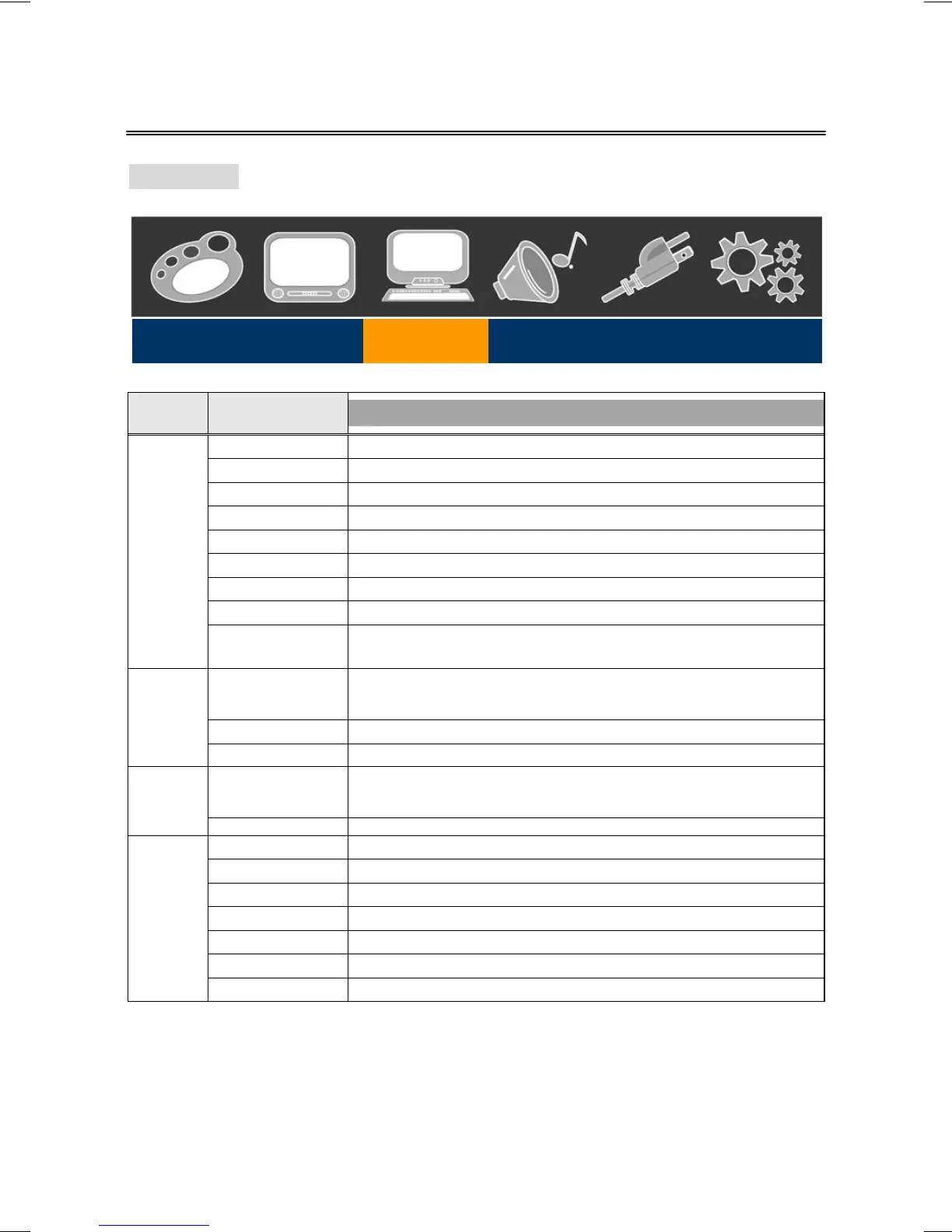
Viewing PC
Main
Menu
Sub-menu 1
Sub-menu 2 / 3
Mode Normal, Sports, Movies, Games, Custom.
Brightness 0 ~ 100. * Adjust the black level of the display.
Contrast 0 ~ 100. * Adjust the white level of the display.
Color 0 ~ 100. * Adjust the intensity of the colors.
Hue 0 ~ 100. * Adjust the color towards red or green.
Sharpness 0 ~ 100. * Adjust the clarity of the picture.
Backlight 6.
Color Temp High, Low *Adjust the color temperature.
Video
Video Reset
Press OK → Yes, No.
* Select Yes to reset video settings back to factory default.
Input Label
HDMI, Cable, Satellite, PVR/DVR, DVD, DVD2, Game, Game2, PC, VCR.
* Change the input name of the current source to one of the
predefined labels.
Aspect Ratio Standard, Fill. * Adjust the ratio between 4:3 and widescreen format.
Display
PIP On, Off. * Display the picture in picture input source.
Auto Adjustment Press OK to automatically re-center the image to the middle of the screen.
PC
Manual Phase 0 ~ 100. * Adjust the phase control to eliminate horizontal streaking.
Volume 0 ~ 100. * Adjust to increase or decrease the volume level.
Balance 0 ~ 100. * Adjust the volume difference of the left and right speakers.
Sub-woofer 0 ~ 100. * Adjust the output level of sub-woofer connecter.
Equalizer Normal, Off, Live, Rock, POP.
Treble 0 ~ 100. * Adjust Treble, when Equalizer is Off.
Bass 0 ~ 100. * Adjust Bass, when Equalizer is Off.
Audio
MTS (Disable) SAP, Stereo, Mono.
Video Display PC Audio Power Settings



 To Next Page