GUÍA USUARIO MÓVIL
Cuando se encuentre fuera, consulte la Guía Móvil para Usuarios.
Visualización de la opción
Nota :
Para seleccionar/mover el cursor hacia arriba/izquierda o hacia abajo/
derecha, presione el botón UP/< o DOWN/>.
.
1
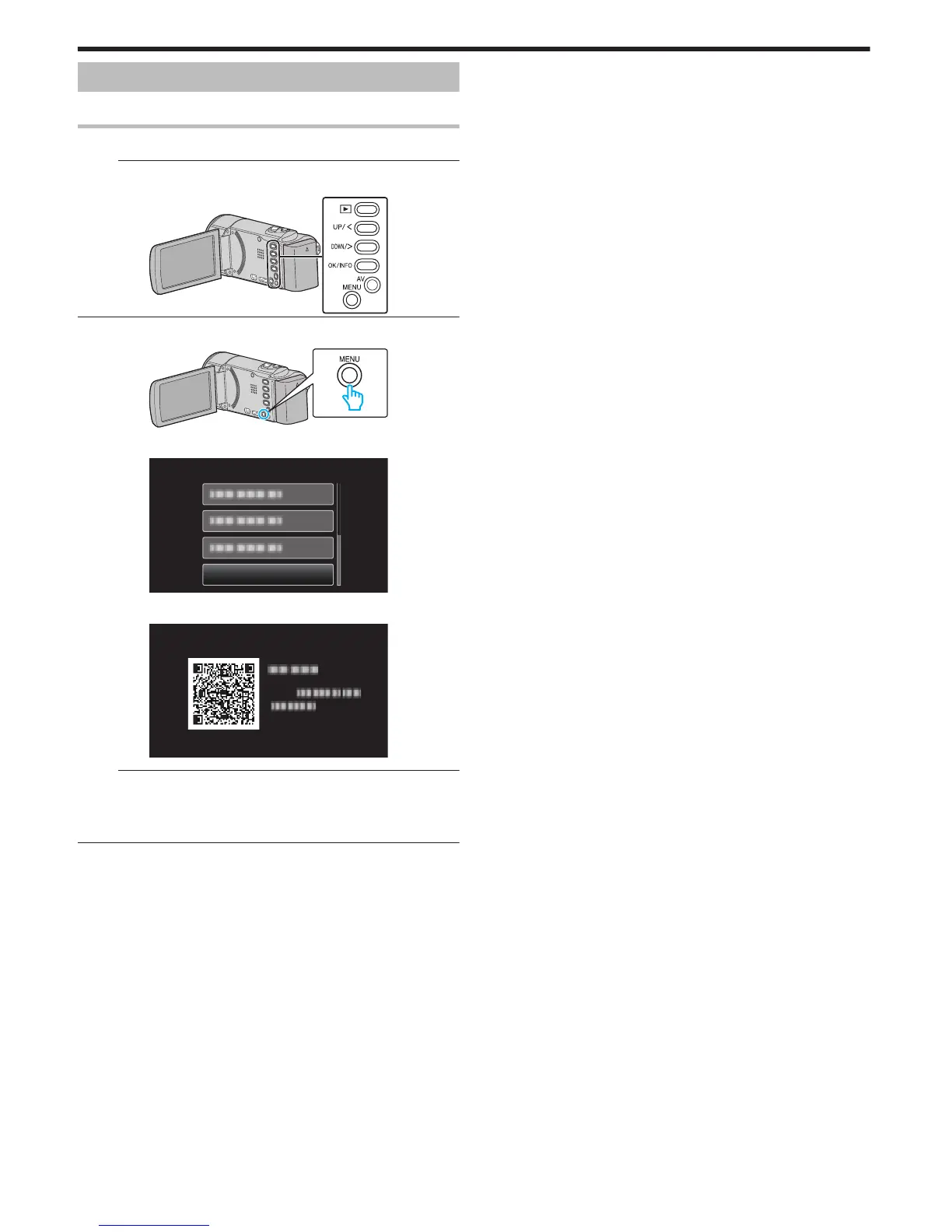
Presione MENU.
.
2
Seleccione “GUÍA USUARIO MÓVIL” y presione OK.
.
Nota :
0
Escriba el URL en forma manual si el código QR no puede ser leído.
0
La Guía Móvil para Usuarios es soportada por dispositivos Android y
iPhone.
Puede verla en buscadores estándar tales como Google Chrome
(Android) y Mobile Safari (iPhone).
Ajustes de menú
74


 To Next Page
 Loading...