EN53
P
L
A
Y
/
P
C
O
F
F
C
A
M
E
R
A
5
S
D
S
C
D
S
C
P
L
A
Y
FEATURE:
Still Playback
PURPOSE:
To pause during playback.
OPERATION:
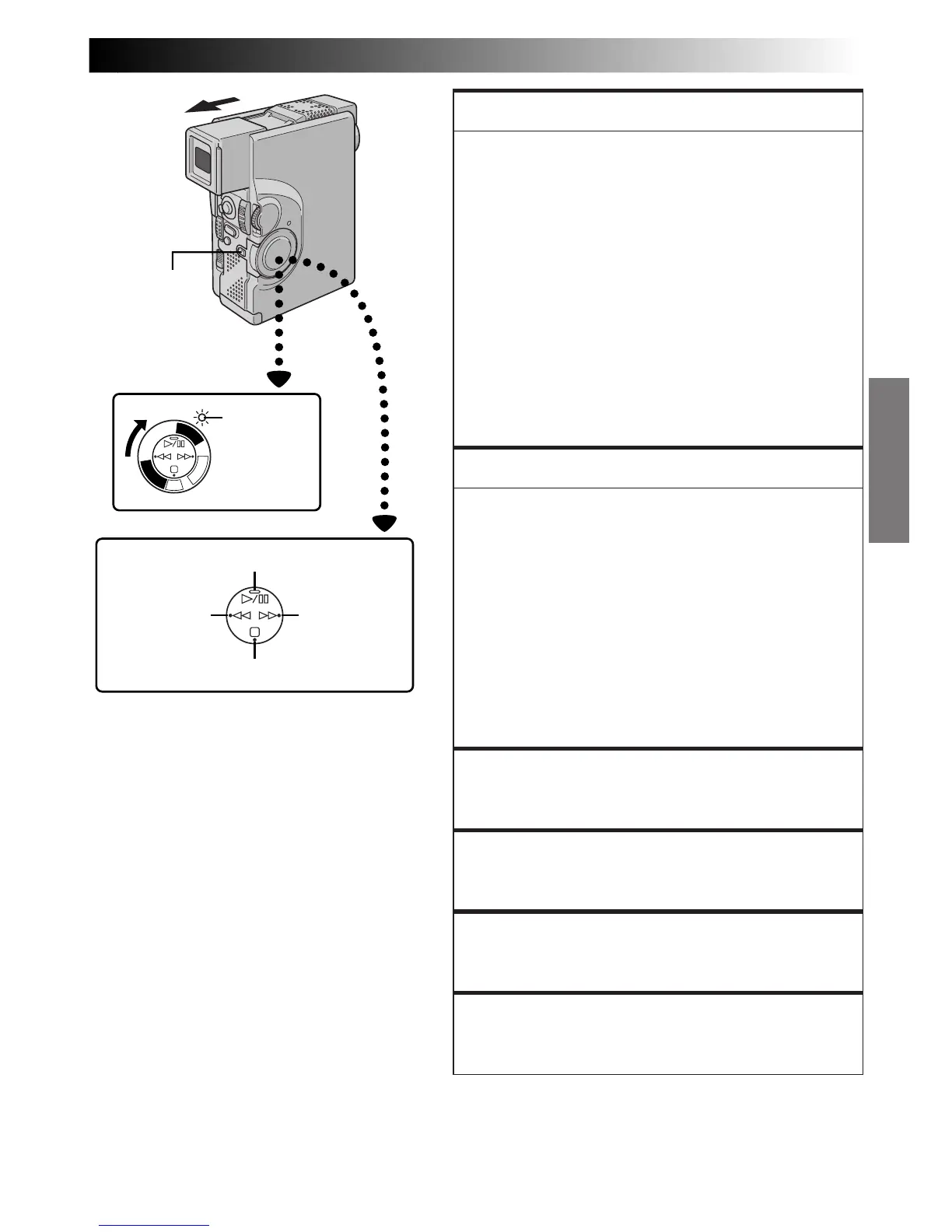
1) Press
4
/6 during playback.
2) To resume normal playback, press
4
/6 again.
NOTES:
●
If still playback continues for more than about 3
minutes, the camcorder’s Stop mode is automati-
cally engaged. After 5 minutes in the Stop mode,
the camcorder’s power is automatically turned off.
●
When
4
/
6
is pressed, the image may not pause
immediately so that the camcorder can stabilise the
still image. During this time, if PAUSE
(6)
on the
remote control is pressed, Slow-Motion Playback
will start. This is not a malfunction.
FEATURE:
Shuttle Search
PURPOSE:
To allow high-speed search in either direction.
OPERATION:
1) Press
3
to forward or press
2
to reverse during
playback.
2) To resume normal playback, press
4
/6.
NOTES:
●
During playback, press and hold
2
or
3
. The
search continues as long as you hold the button.
Once you release it, normal playback resumes.
●
A slight mosaic effect appears on screen during
Shuttle Search. This is not a malfunction.
FEATURE:
Slow-Motion Playback
Available only with the RM-V713U remote control
(provided) (Z pg. 82).
FEATURE:
Frame-By-Frame Playback
Available only with the RM-V713U remote control
(provided) (Z pg. 82).
FEATURE:
Playback Zoom
Available only with the RM-V713U remote control
(provided) (Z pg. 82).
FEATURE:
Playback Special Effects
Available only with the RM-V713U remote control
(provided) (Z pg. 83).
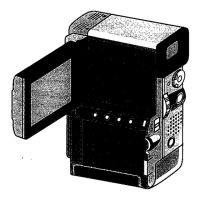
Power Switch
Rewind (
2
)
Button
Fast-Forward
(
3
) Button
Play/Pause (
4
/6) Button
Stop (5) Button
Power lamp
Lock Button



 To Next Page