EN 27
Insta nt Timer Recording (ITR)
This easy method lets you record for from 30 minutes to 6 hours
(selectable in 30-min. increments), and shuts the recorder off
after recording is finished.
5
/
8
¡
1
8
q
6
START RECORDING
1
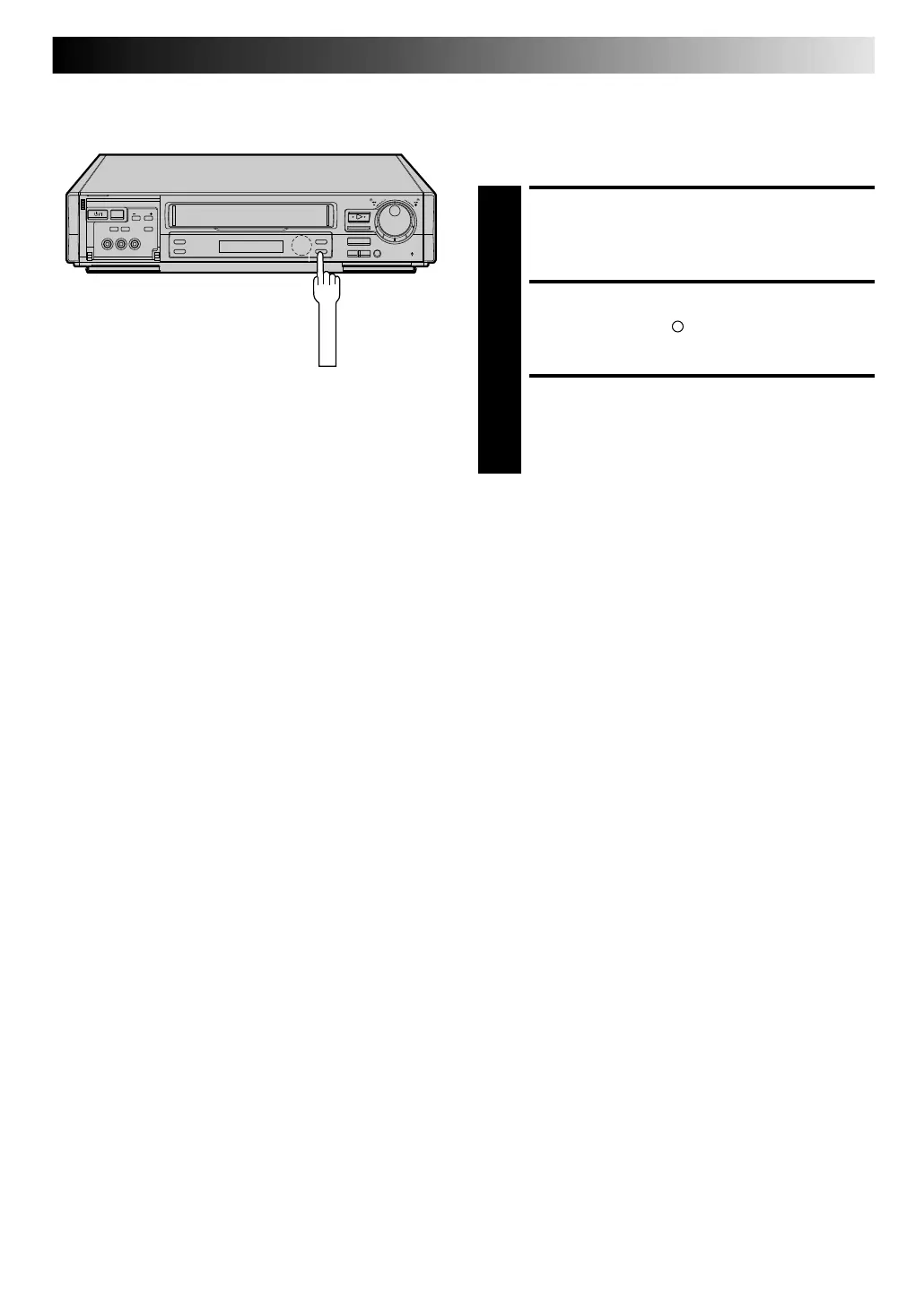
Press RECORD on the recorder.
ENGAGE ITR MODE
2
Press RECORD again. " " blinks and 0:30 appears on
the front display panel.
SET RECORDING DURATION
3
If you want to record for more than 30 minutes, press
RECO RD to extend the time. Each press extends
recording time by 30 minutes.
N OTE:
You can only perform ITR using the RECO RD button on the
recorder's front panel.
Downloaded from: https://www.usersmanualguide.com/



 To Next Page