ENGLISH
33SETTINGS
C HPF (High Pass Filter), [Through or On]
Turn the control dial to select “Through” or
“On.” When “On” is selected and a subwoofer
is connected, frequencies lower than the cutoff
frequency of the subwoofer will be reduced.
• Through: Select this when the subwoofer is
not connected.
• On: Select this when the subwoofer is
connected.
D VolAdjust, [–5 to +5]
Turn the control dial to adjust the input level
of each source (except FM).
Adjust to match the input level of the FM
sound level.
• Before making an adjustment, select a
source you want to adjust.
E Loudness, [Off or On]
Turn the control dial to select “Off” or
“On.” When “On” is selected, low and high
frequencies sound are boosted to produce a
well-balanced sound at low volume level.
4 Exit from the setting.
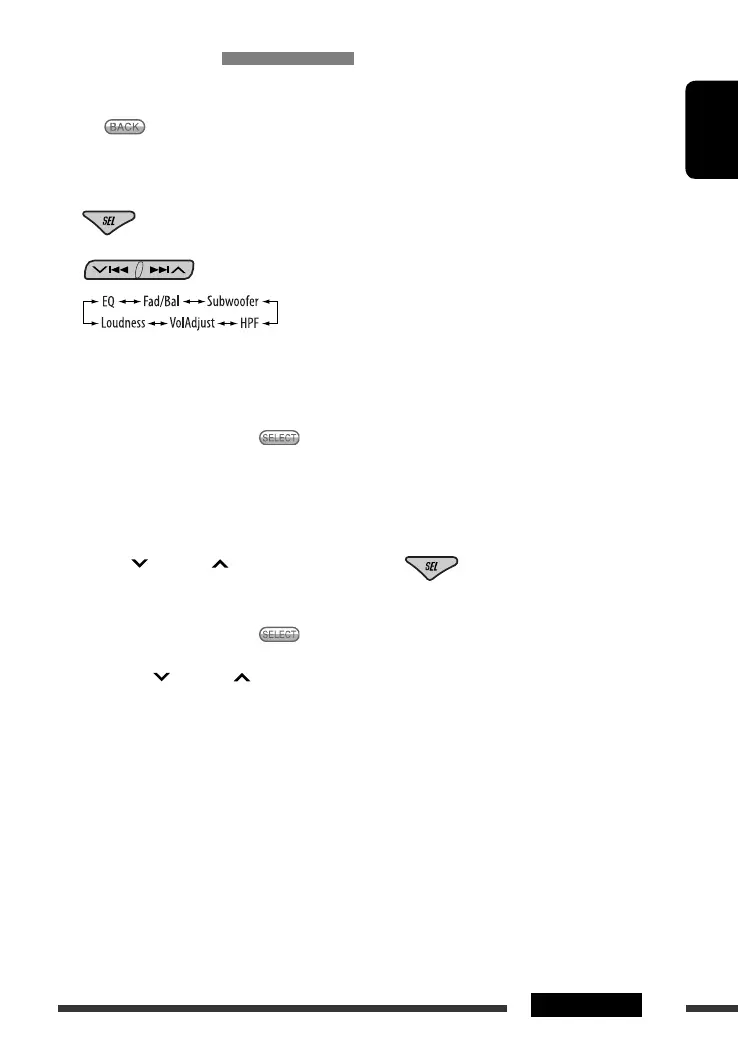
Adjusting the sound
You can adjust the sound characteristics to your
preference.
• When appears on the display, you can move
back to the previous display by pressing number
button 3.
1
2
• For “EQ” setting, see page 34.
3 Adjust the selected setting item.
A Fad/Bal (Fader/Balance)
1 Press number button 1 ( ) to move
to the “Fad/Bal” adjustment display.
2 Adjust the speaker output balance by
pressing:
5 / ∞: between the front and rear
speakers. [F06 to R06]
4/¢ : between the left and
right speakers. [L06 to R06]
B Subwoofer
1 Press number button 1 ( ) to move
to the “Subwoofer” adjustment display.
2 Use 4/¢ to select a cutoff
frequency to the subwoofer.
• 80Hz: Frequencies higher than 80 Hz
are cut off.
• 120Hz: Frequencies higher than 120 Hz
are cut off.
• 160Hz: Frequencies higher than 160 Hz
are cut off.
3 Turn the control dial to adjust the
subwoofer output level. [0 to 8]
EN32-37_DV8306_001A_f.indd 33EN32-37_DV8306_001A_f.indd 33 5/3/07 4:39:48 PM5/3/07 4:39:48 PM



 To Next Page