ENGLISH
27EXTERNAL DEVICES
Listening to the CD changer
Change the display information
and pattern
Continued on the next page
It is recommended to use a JVC MP3-compatible CD changer with your unit. You can connect a CD changer to the CD
changer jack on the rear of the unit. See also page 31.
• You can only play conventional CDs (including CD Text) and MP3 discs.
Preparation
Make sure “Changer” is selected for the external input setting, see page 37.
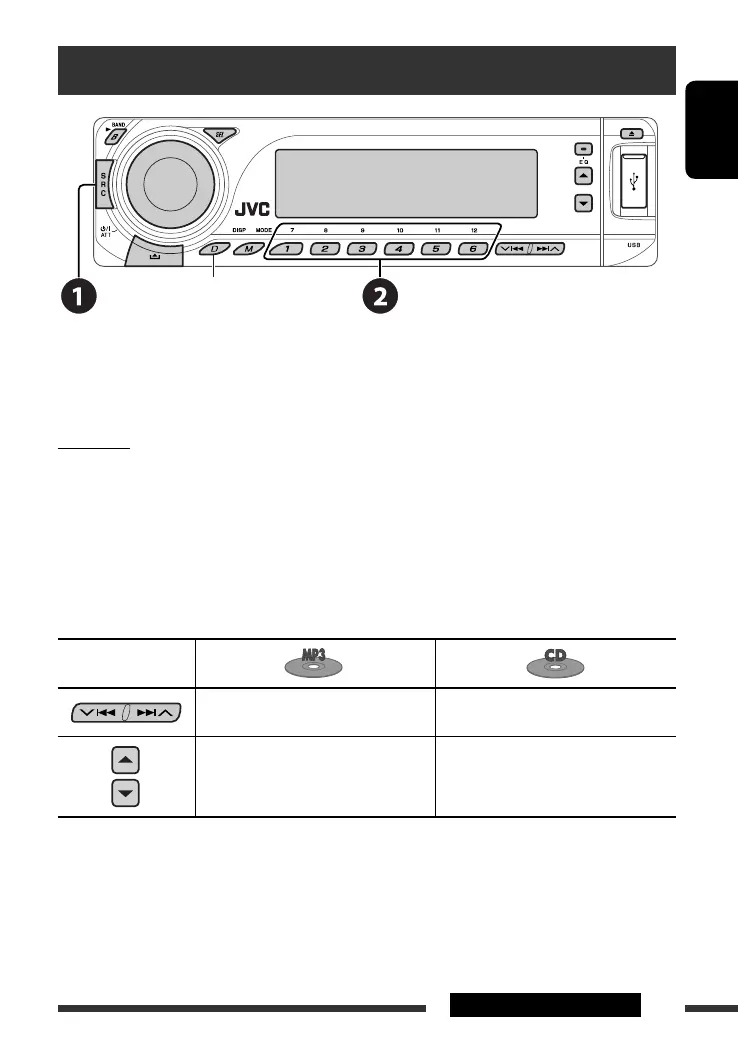
~ Select “CD-CH.”
Ÿ Select a disc to start playing.
Press: For selecting disc number 1 – 6.
Hold: For selecting disc number 7 – 12.
Pressing (or holding) the following buttons allows you to...
Button
Press: Select track
Hold: Reverse/fast-forward track
Press: Select track
Hold: Reverse/fast-forward track
Select folder
—
* Holding either one of the buttons can display the Disc List (see page 29).
*
EN24-31_DV8306_001A_2.indd 27EN24-31_DV8306_001A_2.indd 27 4/10/07 2:24:08 PM4/10/07 2:24:08 PM



 To Next Page