ENGLISH
49REFERENCES
Troubleshooting
What appears to be trouble is not always serious. Check the following points before calling a service center.
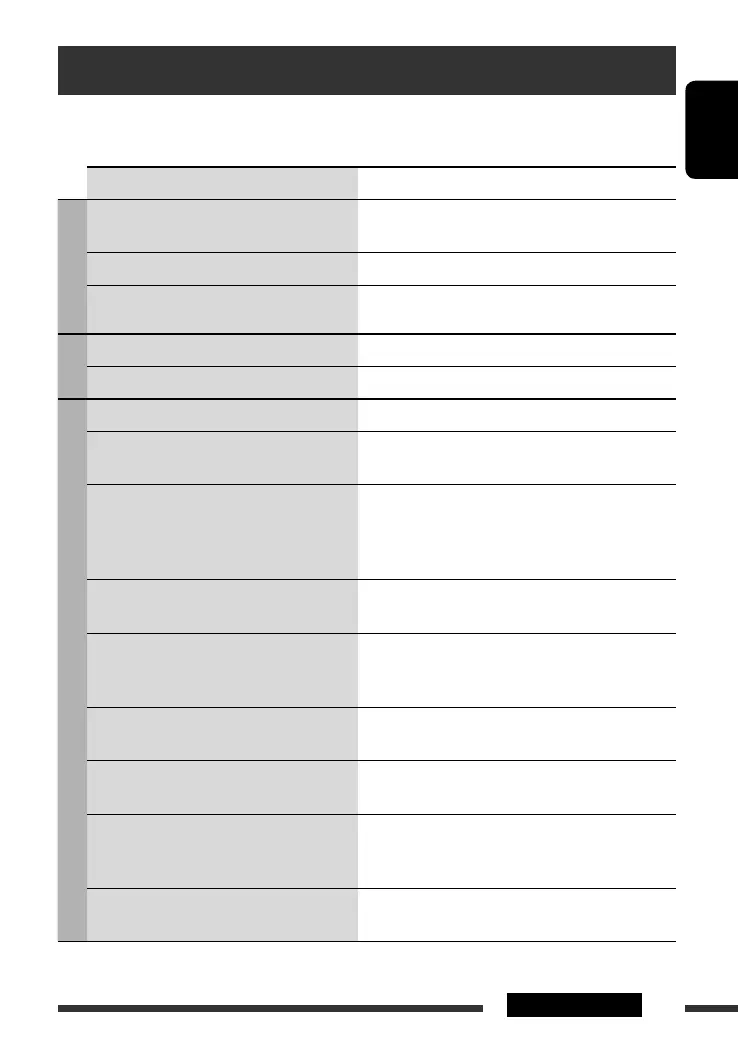
Symptom Remedy/Cause
General
• Sound cannot be heard from the speakers. • Adjust the volume to the optimum level.
• Check the cords and connections.
• The unit does not work at all. Reset the unit (see page 3).
• “Connect Error” appears on the display. Remove the control panel, wipe the connector, then attach
it again (see pages 4 and 43).
FM/AM
• SSM automatic presetting does not work. Store stations manually.
• Static noise while listening to the radio. Connect the antenna firmly.
Discs in general
• Disc cannot be played back. Insert the disc correctly.
• Disc can be neither played back nor ejected. • Unlock the disc (see page 13).
• Eject the disc forcibly (see page 3).
• Recordable/Rewritable discs cannot be played
back.
• Tracks on the Recordable/Rewritable discs
cannot be skipped.
• Insert a finalized disc.
• Finalize the discs with the component which you had
used for recording.
• Disc cannot be recognized (“No Disc,” “Loading
Error,” or “Eject Error” flashes).
Eject the disc forcibly (see page 3).
• Sound and pictures are sometimes interrupted
or distorted.
• Stop playback while driving on rough roads.
• Change the disc.
• Check the cords and connections.
• No playback picture (DVD-Video/DVD-VR/
DivX/MPEG/VCD) appears on the monitor.
Parking brake wire is not connected properly. (See
Installation/Connection Manual.)
• No picture appears on the monitor at all. • Connect the video cord correctly.
• Select the correct input on the monitor.
• The monitor shows black and white wavy
pictures (DVD-Video/DVD-VR/DivX/MPEG/
VCD).
Select the appropriate video format (PAL/NTSC) for your
monitor (see page 37).
• The left and right edges of the picture are
missing on the monitor.
Select “4:3 LETTERBOX” (see page 40).
Continued on the next page
EN44-53_DV8306_001A_f.indd 49EN44-53_DV8306_001A_f.indd 49 4/24/07 1:03:45 PM4/24/07 1:03:45 PM



 To Next Page