ENGLISH
36
Category Indication Item
( : Initial)
Setting, [reference page]
CLOCK
Clock Min
Minute adjustment
00 – 59 : Initial: 00 (1:00AM), [7].
24H/12H
Time display mode
• 12Hours
• 24Hours
: See also page 7 for setting.
DISPLAY
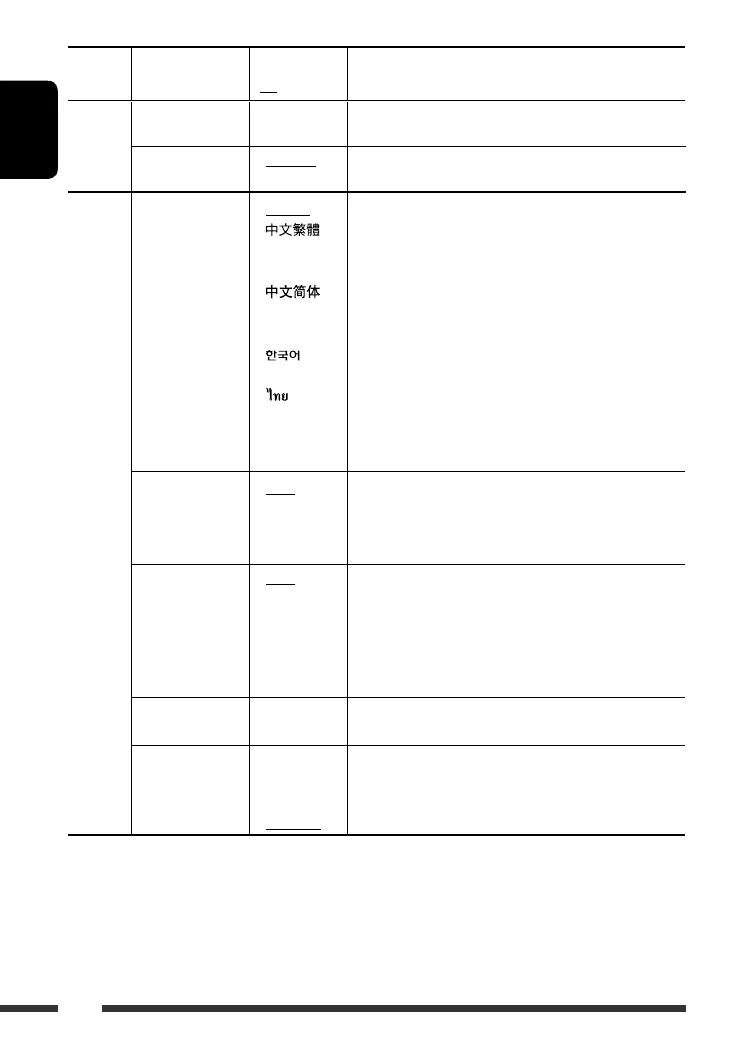
Language *
2
Display information
language
• English
•
(Traditional
Chinese)
•
(Simplified
Chinese)
•
(Korean)
• (Thai)
• РУCCKИЙ
(Russian)
• Auto
: Select the indication language shown on the display while
playing a CD Text, MP3, WMA, or WAV files.
When “Auto” is selected, the indication language changes
according to the language of the playback file.
The display may not show correctly (or will be blanked) if
any language other than the listed (on the left) file is being
played.
• “Please power off” appears on the display when a setting
is made. Turn off and on the power again to activate the
setting.
• This setting is not applicable while playing from the
CD changer, iPod, or D. player.
Scroll *
2
Scroll
• Once
• Auto
• Off
: Scrolls the track information once.
: Repeats scrolling (at 5-second intervals).
: Cancels. (Holding D DISP can scroll the display regardless of
the setting.)
Dimmer
Dimmer
• Auto
• Off
• On
• Time Set
: Dims the display when you turn on the headlights.
: Cancels.
: Dims the display.
: Set the timer for dimmer, [38].
Any hour – Any hour
From – To *
3
— : Initial: 6PM – 7AM.
Contrast
Contrast
1 – 10
Initial: 5
: Adjust the display contrast to make the display indications
clear and legible.
LCD Type
Display type
• Auto
• Positive
• Negative
: Positive pattern will be selected during the day time *
4
;
while negative pattern will be used during the night time *
4
.
: Positive pattern of the display.
: Negative pattern of the display.
*
1
If the power supply is not interrupted by turning off the ignition key of your car, it is recommended to select “Off” to
save the car’s battery.
*
2
Some characters or symbols will not be shown correctly (or will be blanked) on the display.
*
3
Adjustable only when “Dimmer” is set to “Time Set.”
*
4
Depends on the “Dimmer” setting.
EN32-37_DV8306_001A_f.indd 36EN32-37_DV8306_001A_f.indd 36 4/19/07 5:06:28 PM4/19/07 5:06:28 PM



 To Next Page