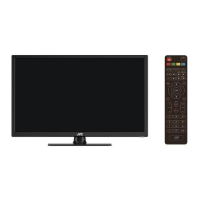
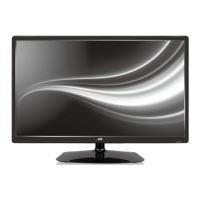
1. Screen
2. Remote control sensor / Power indicator
3. Stand
4. VOL+/- button: Adjust the volume level
5. CH+/- button: Select previous/next channel or move up/down
6. MENU button: Access the main menu.
7. SOURCE button: Change the input source.
8. STANDBY button: Turn the power on or off.
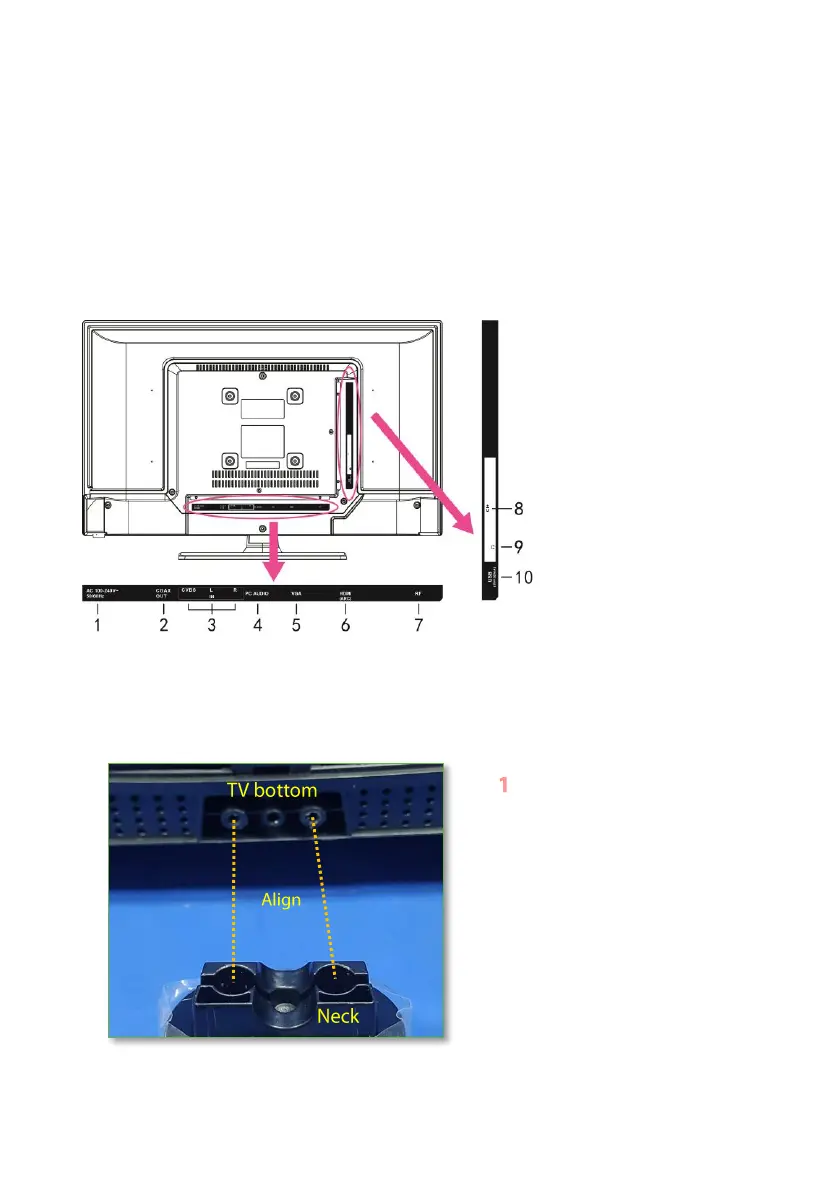
Back View
1. Power input
2. COAXIAL output port
3. CVBS & L/R port
4. PC AUDIO port
5. VGA port
6. HDMI port
7. RF port
8. CI+ port
9. EARPHONE jack
10. USB ports
ASSEMBLING
Attaching the Stand
Place the TV screen-down on a
cushioned clean flat surface to
prevent scratches or damage to the
screen.
Align the neck with the screw holes
on the bottom of your TV.


 To Next Page