 Need help?
Do you have a question about the JVC TM-A170G and is the answer not in the manual?
Details how to prevent screen burn-in on CRT displays by avoiding static or bright images for extended periods.
Provides tips for stable CRT operation, including warm-up time and effects of magnetic fields.
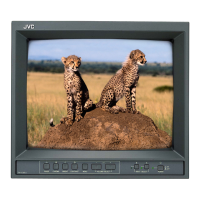
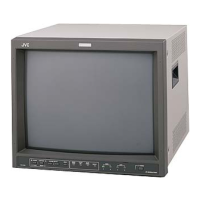
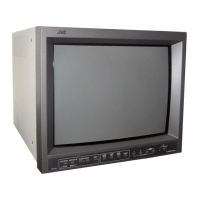
Describes the buttons, indicators, and input/output terminals located on the front panel of the monitor.
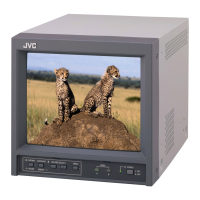
Details the various input and output terminals, including video, audio, and remote connectors on the rear panel.
Guides users through powering on the monitor, selecting video inputs, and adjusting speaker volume.
Explains how to adjust picture quality parameters such as chroma, phase, contrast, and brightness.
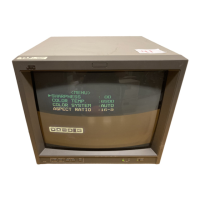
Details how to navigate the main menu to adjust settings like sharpness, color temperature, and aspect ratio.
Explains how to use the setup menu for advanced configurations like H/V position, white balance, and control lock.
Provides step-by-step instructions for resetting all monitor settings to their original factory default values.
Illustrates typical connection setups for video sources using the VIDEO A input terminals.
Shows example connections for video sources using the VIDEO B composite input terminals.
Demonstrates how to connect video sources using the VIDEO B Y/C (S-video) input terminals.
Explains the monitor's external control terminal, detailing connections for aspect ratio and input selection.

 To Next Page


 General