Section 5
Product Overview
16
5
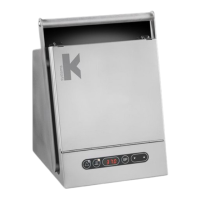
Components
5 Product label
6 Mains connection with fuse
7 Ventilation holes
8 Gas inlet connectors
9 Alarm output
10 Ethernet connector**
**External computing devices connected to the Ethernet on the unit must only be Limited
Power Source and SELV circuit according to the standard IEC 62368-1
IT Security
The G210 does not require a connection to a network or to a computer to perform its
normal function. It may be connected to a Windows computer through an RJ45 connection
that will allow communication with K-Link soware. In this case, we recommend PC security
features such as anti-virus soware and firewall be installed on the PC consistent with the
facility’s IT policy, and that each user of the PC has a password-protected user profile in
order to prevent unauthorised access.
Firmware updates must only be done by CooperSurgical authorised service personnel.



 To Next Page