Section 9
Settings
34
9
Alarm
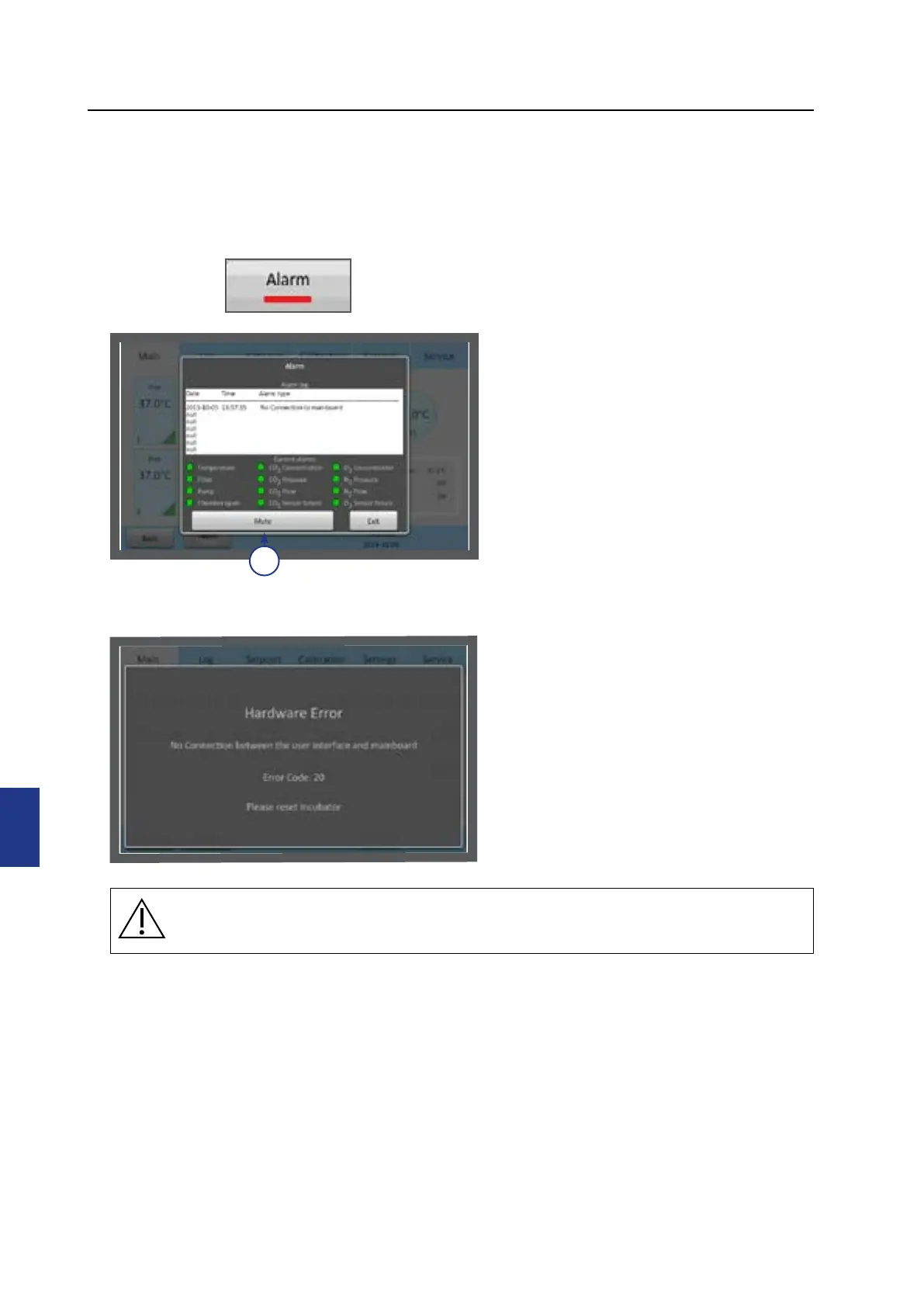
A flashing red light alarm button indicates that an alarm has been activated. An audible alarm
will also be activated. Press the alarm button to open the alarm message box.
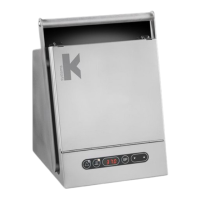
The alarm box shows information about
the current alarm. Press Mute (1) to turn
o the audible alarm.
The alarm will be activated:
• If the chamber temperature is too
high or too low.
• If the gas concentrations are too high
or too low.
• If there is a CO
2
or O
2
sensor failure.
• When there is a hardware error.
The unit is equipped with an external alarm
connector which can be connected to a
monitoring device. The connector can be
connected to either a voltage source or a
current source.
Errors
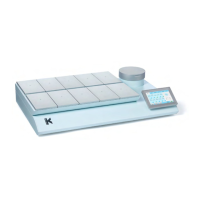
In the case of a hardware error, a message
and an error code will be shown.
For more information about alarms, see
“Section 11 - Troubleshooting” on page
41.
1
CAUTION: Do not use the incubator if an alarm is triggered and the cause of the
failure has not been corrected.


 To Next Page