Section 9
31
Settings
9
Access Levels
The unit supports three access levels: User, Administrator and Advanced User. Their
characteristics are shown below:
User
Advanced User
(login required)
Administrator (login
required)
Changes that do not
require login
Change setpoint
Change settings
Change own password
Calibration
Create new users
Edit users
Delete users
Reset filter counter
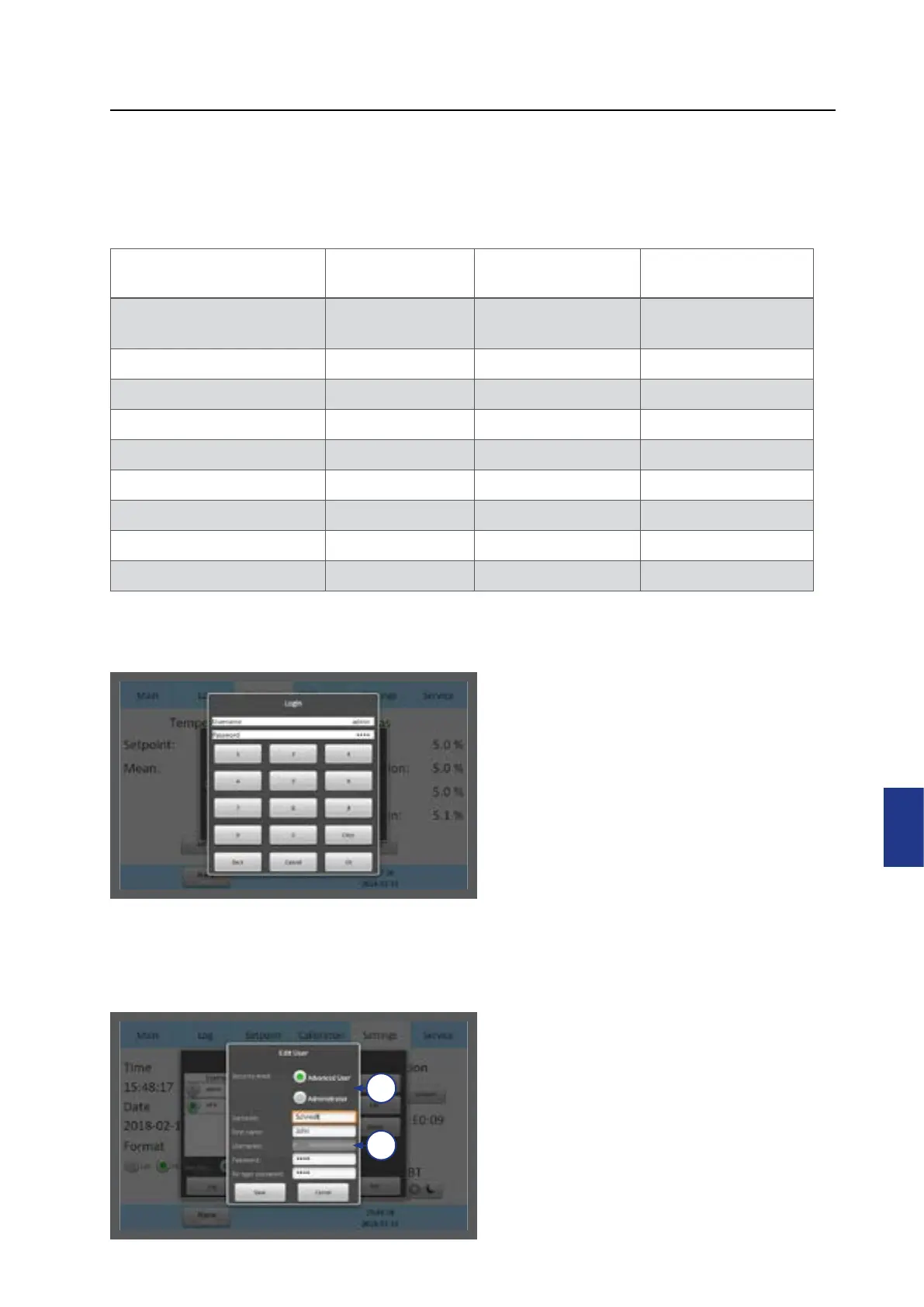
When attempting to change a parameter
that requires authorisation, the login
window will pop up on the touchscreen.
Leaving a topic that requires a login will
automatically log the user out.
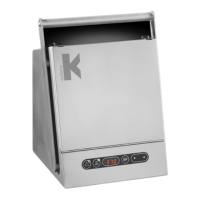
1. Select the access level for the user,
Advanced User or Administrator (1)
2. Enter the user’s data (2). There are 10
characters for Surname, First name
and Username, and between 4 and 10
characters for the password.
1
2


 To Next Page