Section 10
K-Link
40
10
Service Tab
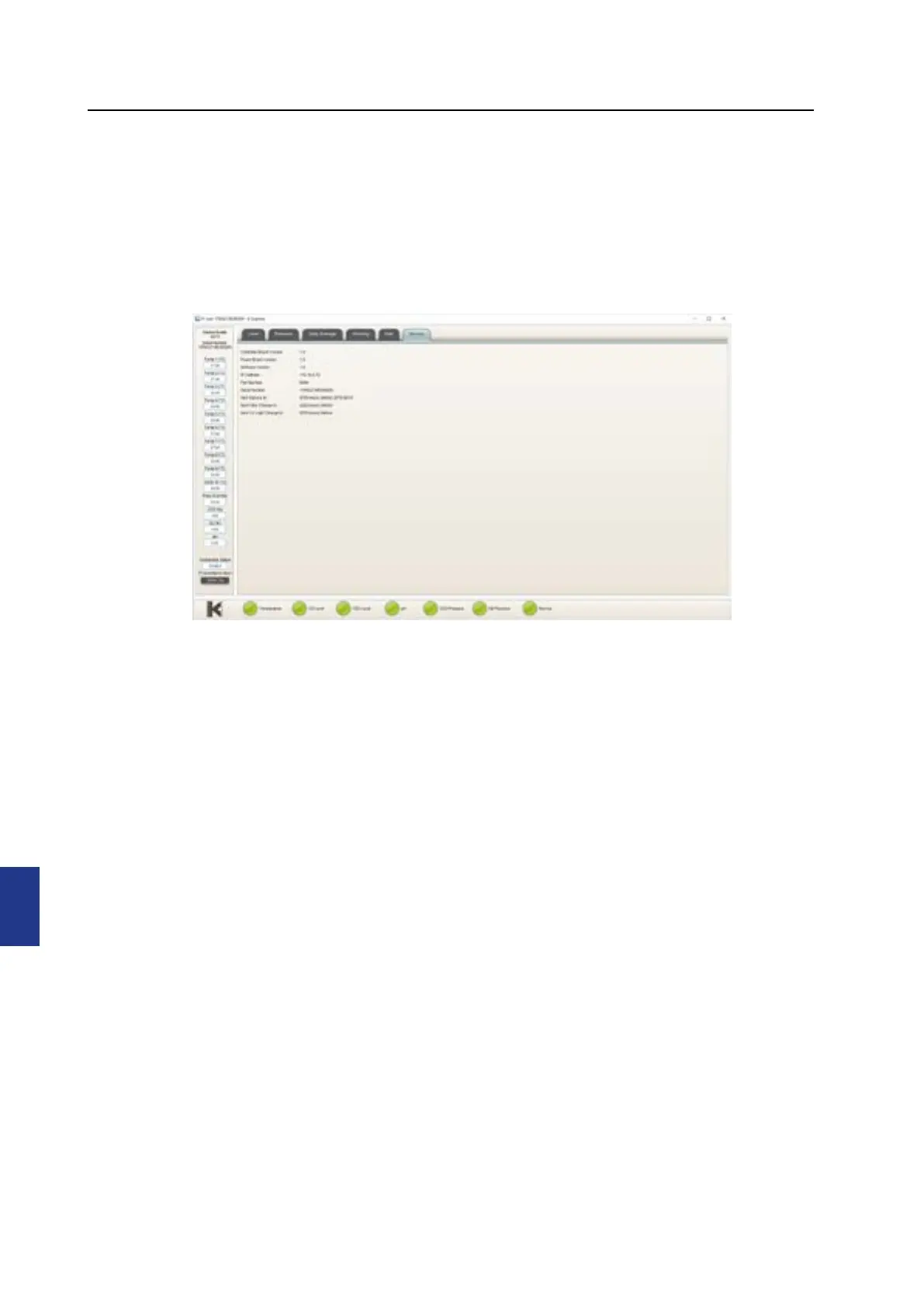
The service tab presents soware versioning information, device connectivity and serial
number information. It also shows counters to indicate when a general service check, a
filter change should be conducted. When the counters time out, the service alarm light is
triggered and will remain active until all counters are reset. K-Link refreshes information
displayed in the service tab every 10 minutes.


 To Next Page