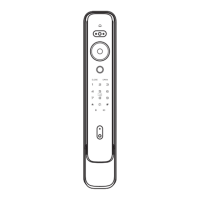
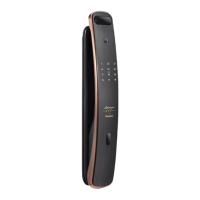
The lock system can enable/disable dual-verification. When dual-verification is enabled, it is required to verify two
type of credentials at same time to unlock, while it only need to verify one type of credential to unlock when
dual-verification is disabled.
Dual-verification enabled: dual verification (fingerprint+PIN code)
Dual-verification disabled: single credential verification (PIN code or fingerprint).
Dual-verification enabledCredential Dual-verification disabled
Master credential Support (Master credentials before
dual-verification enabled)
Support (The initial master PIN code is
12345678)
Support (power saving mode not used)
Enter master PIN code Enter master PIN code
Support (power saving mode not used)
One-time PIN code not Supported One-time PIN code Supported
Support SupportUser fingerprint
User PIN code
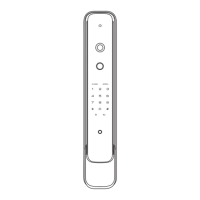
Video intercom camera
How to enter master mode
Before you set up
4 Set your smart lock
Note:
Before Dual-verification enabled, you must add PIN code and fingerprint. User can enter the visual protection PIN code either
before or after entering the correct PIN code.(the user PIN code and the visual protection PIN code contain a maximum of 32
characters).


 To Next Page