Fingerprint sensor
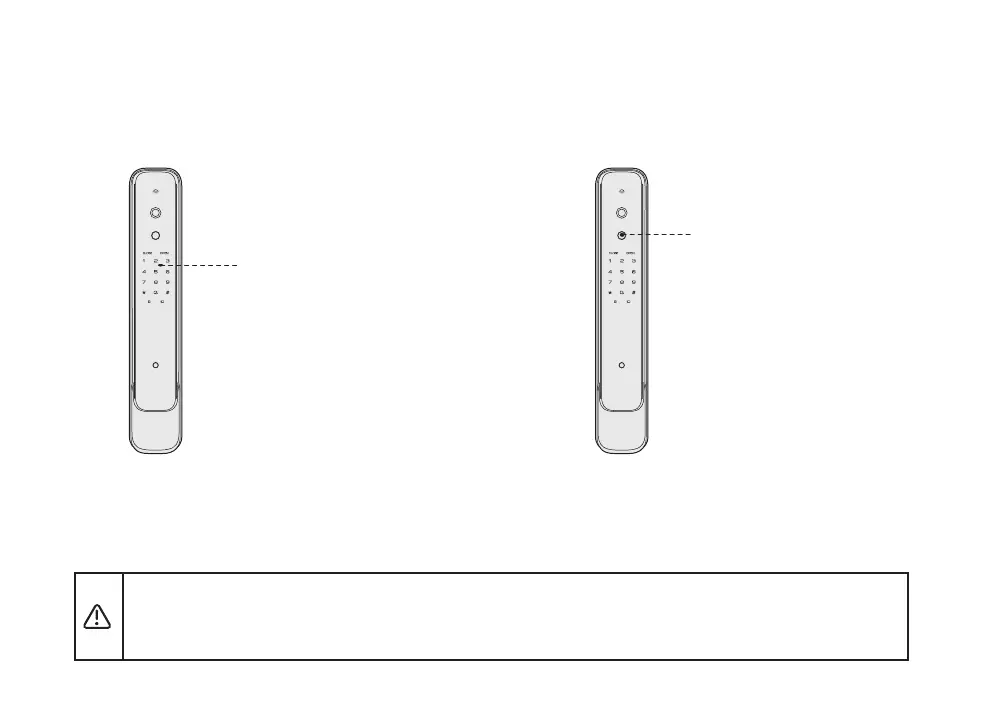
Enter PIN code
Touch the pad screen by palm to lighten keypad;
then entering the registered PIN code with end of
[#]. voice prompt“Verification successful, please
open the door”
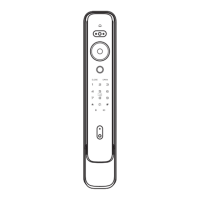
Place the registered finger properly on the fingerprint
sensor area. voice prompt“Verification successful,
please open the door”
Unlock from outside(normal mode)
5 Use the smart lock
Unlock by PIN code Unlock by fingerprint
In normal mode (Dual-verification is disabled), continuously entering wrong PIN code or fingerprint 5 times in a
short period of time will make this lock in lockdown for 100 seconds.
In safety mode (Dual-verification is enabled), continuously entering any wrong two credentials combination 5
times including PIN code or fingerprint, will make this lock in lockdown for 100 seconds.


 To Next Page