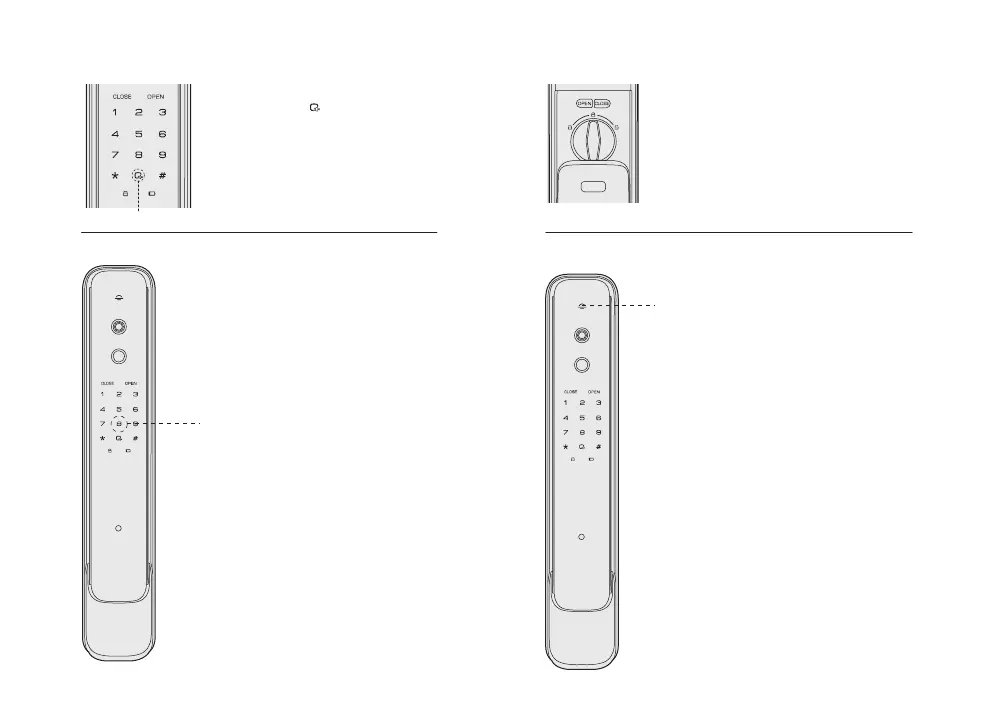
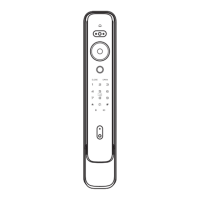
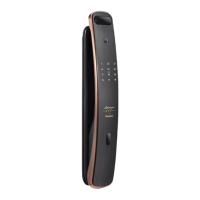
Emergency thumb turn
Doorbell function
When system functions is in abnormal,
you can rotate emergency thumb turn to
unlocking position to unlock from inside.
When someone pressed the doorbell button ,
the doorbell sounds and video intercom
camera will shoot a video to send to paired
APP and send a notice. you can press notice
to see real-time situation of outside of door
(The APP will display incoming calls in the
background, Ensure that the APP (android)
has been granted automatic startup and
whitelist permissions, Otherwise, the android
phone may not receive push messages). In
real-time video intercom, a one-time PIN
code can be generated, and the APP side can
take screenshots and record screens.
PS: It is required to pair lock first to open
real-time video intercom camera function
and make sure the lock is network Configured.
(please refer to the previous WiFi network
configuration).
Volume adjustment
When system is in voice mode, you
can long press button to enable
mute mode after keypad is waked
up. When the system is in mute mode,
you can long press button to enable
voice mode after keypad is waked up
and no number is entered.
Mute button
Defense mode
1. Enable: After closing door, press the
defense mode button to enable
defense mode. voice prompt “defense
mode enabled”. In defense mode, if
someone unlock from inside , the alarm
will be triggered.
2. Disable: Defense mode will be disabled
once it is unlock from outside.
Defense mode button
Doorbell


 To Next Page