Note:
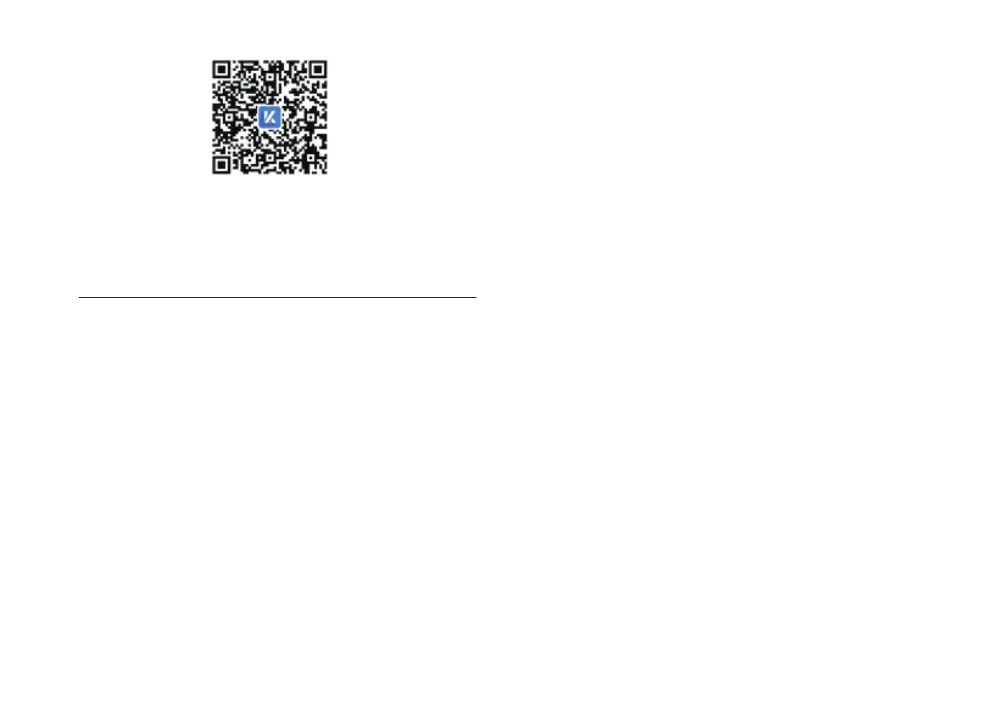
Please ensure latest app version if you already download“凯
迪仕智能”APP on your phone. If QR code on the battery cover
can not be scanned, please select" manual add",then Select
the searched device or enter K20 Pro at the top to go to the
corresponding add boot page.
After the smart lock has been configured with WIFI network,
user can use the APP to check the situation outside the door
(remote video intercom). By default, the smart lock will enable
the function of remote wake up the smart lock to view the video
(WiFi to maintain a long connection). If this function is rarely
used at ordinary times, you can also disable this function in the
APP setting to save the power of the smart lock and realize
longer battery life.
Note:
After turning off the remote wake-up to check the situation
outside the door (WiFi long connection), when someone rings
the doorbell, you can still receive the doorbell message and
check the situation outside the door. Within 3 minutes after
ringing the doorbell, you can open the APP to check the
situation outside the door actively (video intercom).
Camera settings
The smart lock has PIR(human infrared detection) function,
When a suspicious person wander outside the door for more
than the specified time (default: 10 seconds, can be set to
10-60 seconds), the wandering alarm will be triggered. The
smart lock will capture a video and push an alarm message
(including a snapshot picture) to your mobile APP in real
time. You can open the APP to view the captured picture
and download the alarm video remotely.
Note:
Wandering alarm function is turned off by default. To use
this function, please turn it on in APP Settings.
Wandering alarm


 To Next Page