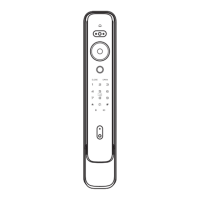
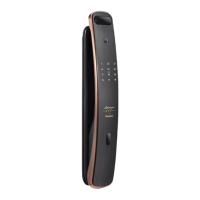
Inside display screen
1. Press awaken button once to wake up display screen to see
outside situation, press awaken button again can close
display screen and awaken button light.
2. Display light-up time 5/10/15 seconds (default 10 seconds),
brightness (high, medium and low, default medium), user can
set it in the mobile app.
3. Display is on by default when you press the doorbell, you can
turn on or turn off it in the mobile app.
4. Display screen is turn on : Outdoor click doorbell, the display
and awaken button light come on simultaneously, you can
watch the dynamic outside the door in real time though the
display; touch the awaken button again to turn off the display.
5. Display screen is turn off : Outdoor click doorbell, only awaken
button light come on, touch the awaken button, you can watch
the dynamic outside the door in real time though the display;
touch the awaken button again to turn off the display.
Awaken button
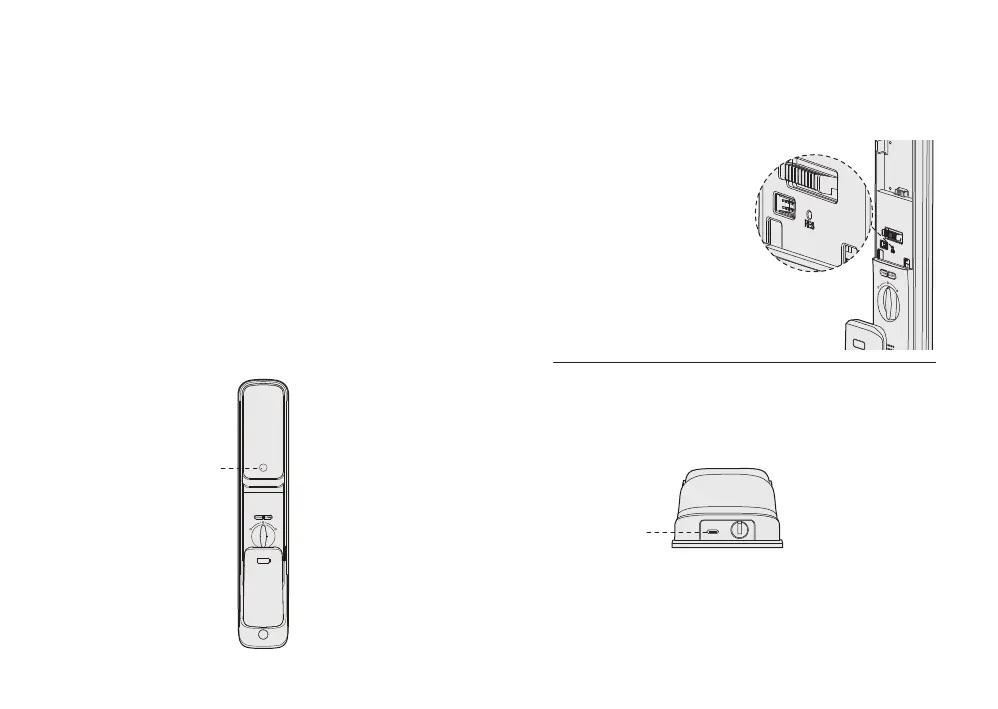
Factory reset
6 Other functions
If you forget master PIN code,
When the battery is working
properly, you can double press
reset button on the back panel
by a eject pin, then press "#"
key on the keypad within 15
seconds according to the
voice guide to confirm restoring
to factory settings. After the setting
is successful, voice prompt “The factory
Settings have been restored”.
Type-C port
Emergency power supply
When the battery voltage is too low to open the lock from outside,
you can use 5V power bank to charge the door lock via Type-C port.
After the door is unlocked, please replace battery immediately.
Note :
When battery is too low, voice prompt "Low battery, please change
battery in time" at each unlocking and please replace battery
immediately.


 To Next Page