3
2
SAFETY PRECAUTIONS
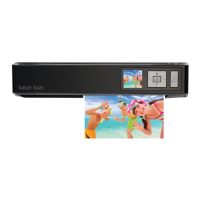
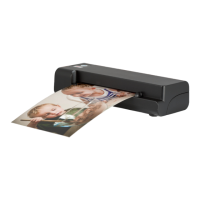
Before using WiFi Photo & Document Scanner, please ensure you read and
understand all the safety precautions below
• Do not attempt to open the case or modify the unit in any way, as
this will void your warranty. Maintenance and repairs should only be
performed by Kaiser Baas
• Keep WiFi Photo & Document Scanner away from water and other
liquids. Do not use wet hands with WiFi Photo & Document Scanner, as
this may cause a malfunction
• Keep the WiFi Photo & Document Scanner away from direct sunlight
and heat sources
• The WiFi Photo & Document Scanner may become slightly warm during
use. This does not indicate a malfunction
• Do not place heavy objects on WiFi Photo & Document Scanner, as this
may cause it to malfunction
• Do not dispose of the WiFi Photo & Document Scanner via conventional
domestic waste
WHAT’S IN THE BOX
WiFi Photo & Document Scanner
USB cable
Calibration card
Cleaning board
Cleaning strip
Photo sleeve
User guide
Warranty card
Wireless Scanner has an energy saving function which
can shutdown power automatically after 5 minutes if
button again to


 To Next Page
 Loading...