31
30
CARE - CLEAN LENS
Clean the lens of scanner periodically for the best scanning results.
1. Turn the scanner off
2. Hold the cleaning strip with the sponge grip handle facing down
3. Insert the thinner end into the exit slot at the rear of scanner
4. Move the strip from side to side a few times, and then remove it
aect image quality, clean the Scanner’s lens periodically
Hold the foam grip handle of Cleaning Strip facing
PRODUCT SPECIFICATIONS
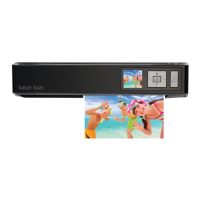
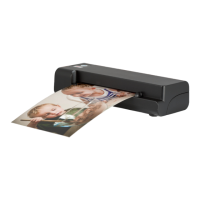
Colour CIS Sheet-fed scanner
Colour CIS (Contact Image Sensor)
LED (RGB)
Up to legal size (8.5”x14”)
0.08-0.6mm
Standard (300 dpi), Fine (600 dpi)
12 seconds per page (A4 colour) at Standard (300 dpi)
40 seconds per page (A4 colour) at Fine (600 dpi)
USB mini-B for battery charge/Reset pin-hole
JPEG/PDF (for Mac OS X and Windows 8/Pro/RT only)
Inbuilt 1500Ah Li-polymer battery
4.2W (Max)
Lithium polymer battery 1500mAh (inbuilt)
Approx 1.5 hours of continuous use on full charge
Approx 300 pages at 300dpi
Approx 150 pages at 600dpi
Auto power off after 5 minutes of idle state
Approx 4 hours
Compatible with 802.11 g/n
Scanner type
Image sensor
Light source
Scan size
Scan thickness
Scan resolution
Scan speed
Interface
File format
Power
Power consumption
Battery
Battery capacity
Scans per charge
Power saving
Charge time
WiFi capability


 To Next Page
 Loading...