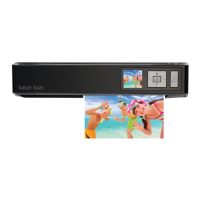
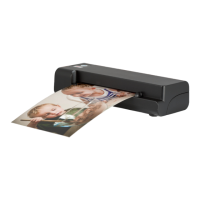
Wireless Scanner has a built-in
before use.
1.
* The Power LED indicator will turn o.
2.
end and to a computer(
adapter(
B
) at the other end.
*
battery is charging.
3.
Scanner.
•
the Power LED indicator turns o.
NOTES
Wireless Scanner has a built-in
before use.
1.
* The Power LED indicator will turn o.
2.
end and to a computer(
adapter(
B
) at the other end.
*
battery is charging.
3.
Scanner.
•
the Power LED indicator turns o.
NOTES
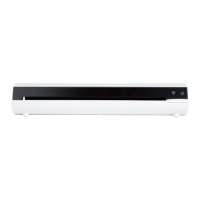
PRODUCT DIAGRAM
RESET
Paper guide
Feed slot
WiFi LED indicator
Power LED indicator
Power button
Front
Rear
The scanner has an inbuilt rechargeable battery. Before use, the battery
must be fully charged.
1. Ensure the scanner is OFF (power LED indicator OFF)
2. Connect the mini USB end of the provided USB cable to the port
at the rear of scanner
3. Connect the other end of the USB cable to a computer USB port – the
power LED indicator light will glow red while the scanner is charging
4. Once the battery is fully charged, the power LED indicator will turn
off – the scanner is now ready for wireless use
OPERATION / CHARGE THE BATTERY
1
1
1
2
2
2
3
Mini USB port (for charging only)
Reset pinhole (system shutdown)
Exit slot
1
2
3
3
3
4
4
5
5


 To Next Page
 Loading...