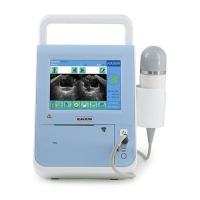
Bladder Volume Tester User’s Manual V1.02
- 4 -
4
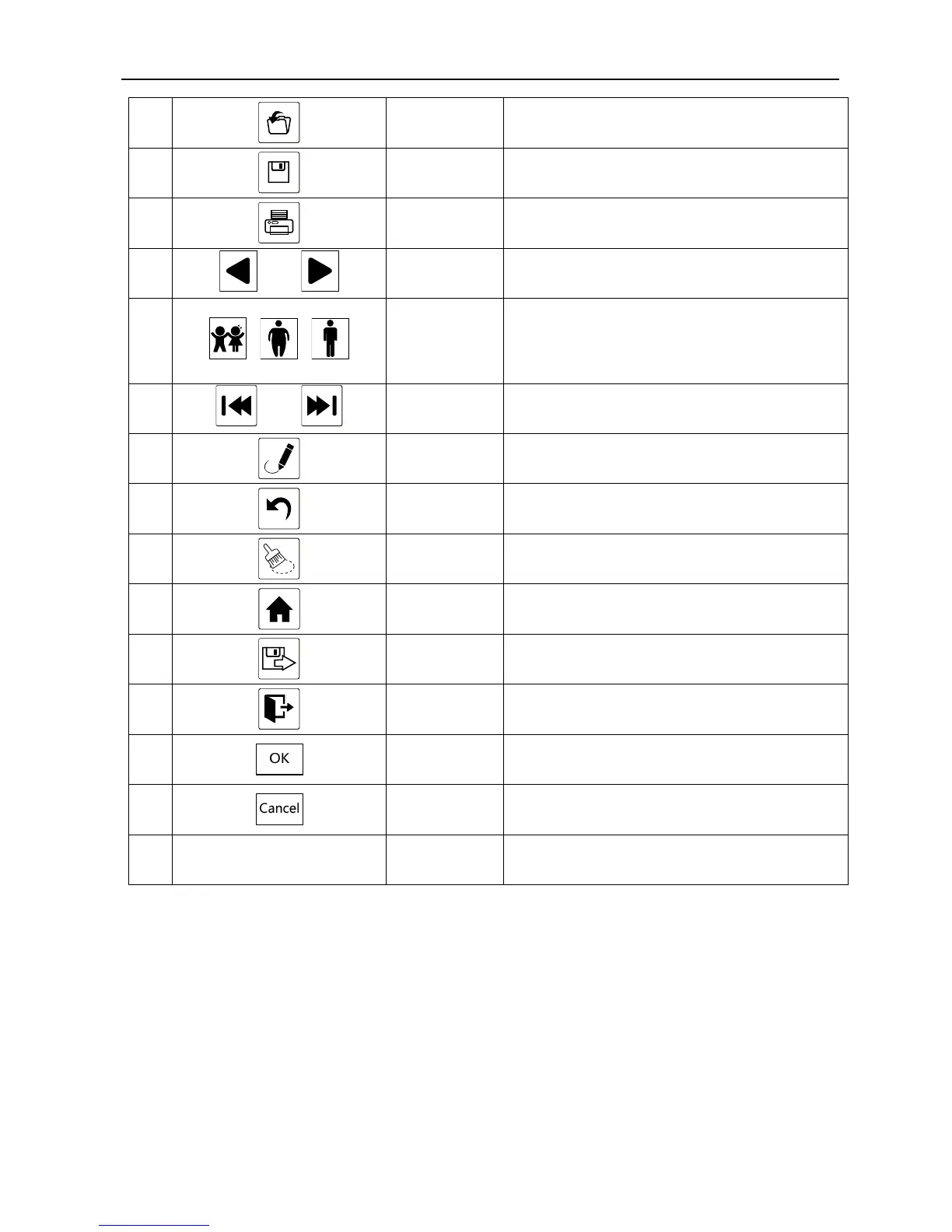
Read data Touch the key to open data file;
5
Save data Touch the key to save data file;
6
Print
Print various measurement images/data;
7
and
Image
selection keys
desired left or right image;
8
, ,
Patient mode
key
·Repeatedly touch th
desired patient mode;
·Select the appropriate scan mode, which are
divided into child, obesity and standard;
9
and
Data files
selection keys
Touch the key to select the desired data file;
10
Manual
contour key
Touch this key to manually draw the outline of
bladder;
11
Undo
Touch the key to revoke the last manual
mark operations;
12
Clear
In the manual contour process, touch this key
to clear all manual contour operations;
13
Main Touch the key to return to main interface;
14
Touch the key to copy data files to U disk;
15
Exit
Touch the key to exit data file interface and
return to main interface;
16
OK Touch the key to carry out confirm function;
17
Cancel Touch the key to cancel operation;
18 Others
Numeric keys,
Letter keys
Numbers or letters to be used for text input.


 To Next Page