Bladder Volume Tester User’s Manual V1.02
- 13 -
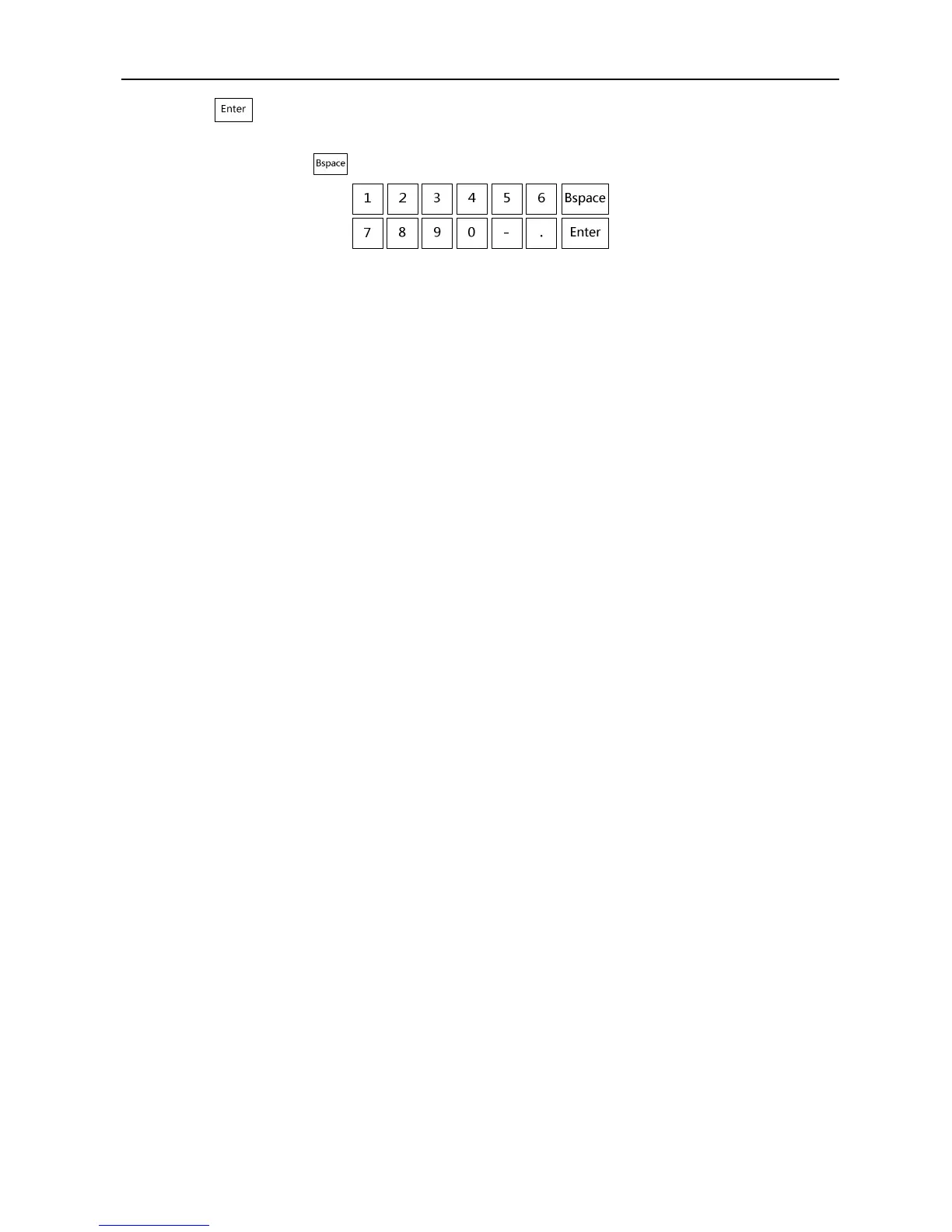
4. Touch key on the digital keyboard to complete the entry and the cursor automatically jumps to
the next input position;
5. If needs revise, touch key to delete the previous character and retype;
Fig. Digital keyboard
Screensaver time
1. Touch the “Screensaver” input box to confirm the cursor position;
2. Enter the screensaver time using the digital keyboard, digitals “0-100”, in minute; “0” represents
turning off the screensaver time.
Note: Go beyond the system setting energy-saving time without touching any key, the system
will automatically enter the energy saving status. Touch any key, the system will return to
normal operation status.
Langue
Touch the “Chinese” or “English” to switch the langue.
All above parameters have been entered, touch 「OK」 key to save the parameters and exit the system
preset; or touch 「Cancel」key to exit system preset interface without saving the parameters.


 To Next Page