12 Kamstrup A/S • 55122714_A2_GB_04_2021
flowIQ® Gateway
4 Before you begin
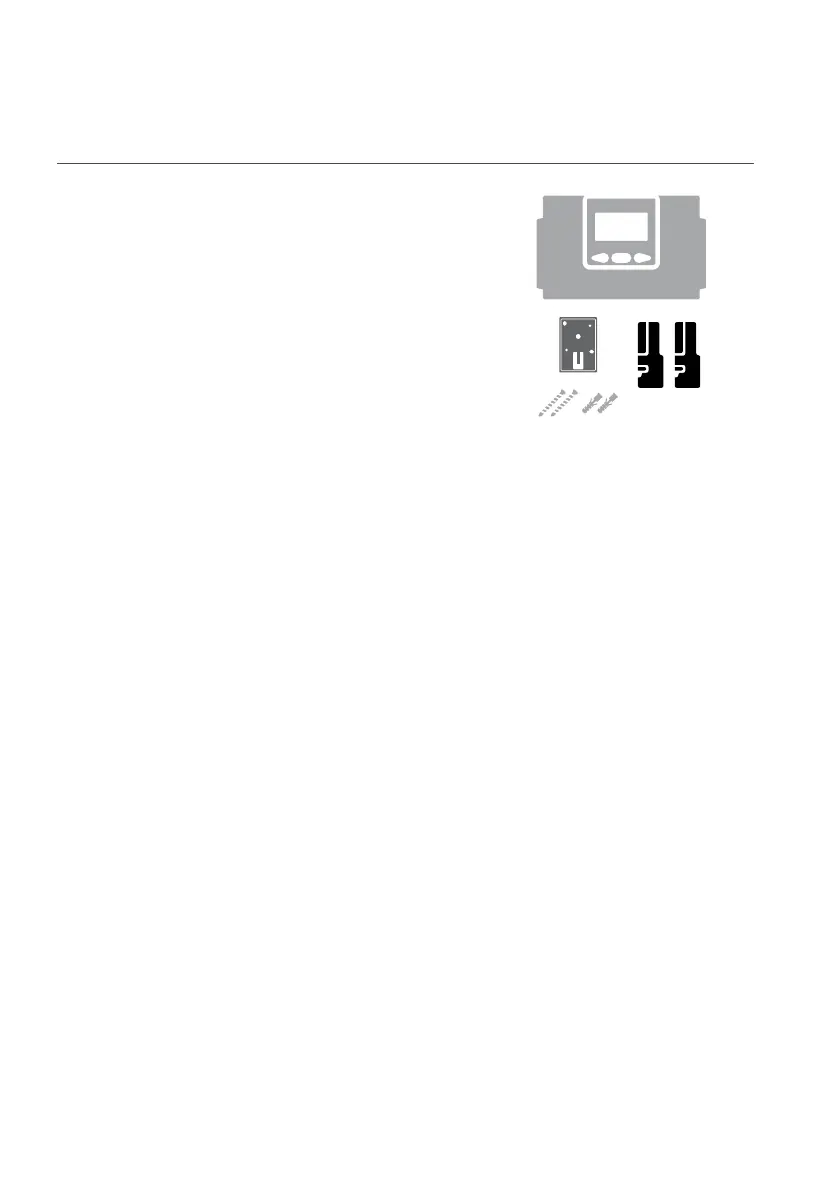
4.1 What is in the box?
• flowIQ® Gateway
• Wall bracket including screws and rawlplugs
• Ordered module(s) – mounted in gateway
4.2 Accessories (ordered separately)
See a complete list of accessories in the product data sheet.
The most commonly used are listed here:
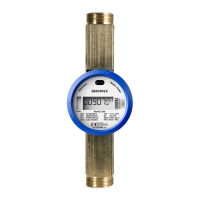
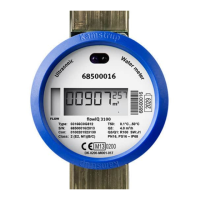
• flowIQ® 2200/3200 meter connection cable
1.5 m (5000491)
7.5 m, can be shortened (5000493)
• Temperature sensors (Pt500)
All Pt500 2-wired sensors can be used
If a set of two or more sensors are bought from Kamstrup, the sensor set can be split to use one
sensor per flowIQ® Gateway
4.3 Deployment summary
1 Before field deployment (section 5):
Import flowIQ® Gateway in the meter data management system (encryption keys)
2 Field deployment - Installation (section 6):
Install flowIQ® Gateway
Connect flowIQ® 2200/3200 meter with flowIQ® Gateway
Plug in or check the communication module(s)
Connect additional accessories
Connect power supply
3 Field deployment - Configuration (section 7):
Configure flowIQ® Gateway
Configure the communication module(s) (if applicable)
0-2 pcs.



 To Next Page