22 Kamstrup A/S • 55122714_A2_GB_04_2021
flowIQ® Gateway
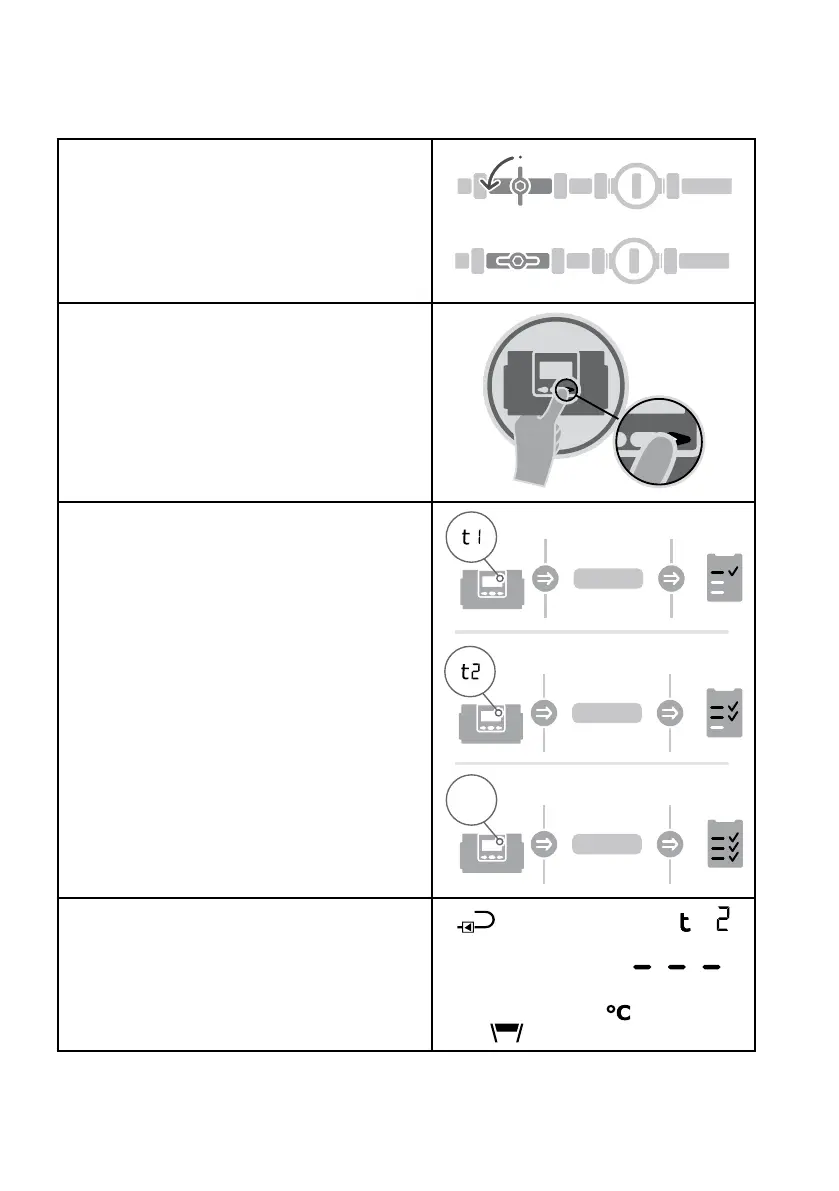
Once flowIQ® Gateway turns on, check that everything is reading as intended:
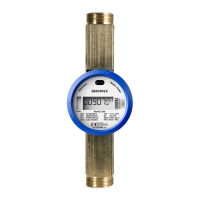
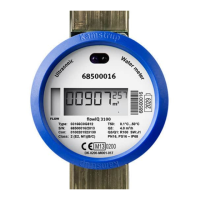
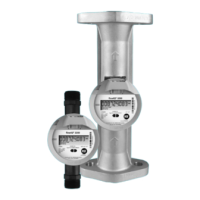
1. Turn on the water flow through the flowIQ®
2200/3200 meter
2. Navigate through the user display loop by
pressing the right or left arrow buttons
3. Check the readings
Up to 20 seconds can pass before the
display is updated with the readings from the
flowIQ® 2200/3200 meter
t1 = XX.XX
t2 = XX.XX
V1 = XX.XX
l/h
4. In case no sensor is attached or an error has
occured, the display will show “ - - - “
If further configuration is required, it can be done using "SETUP loop" (available in transport mode)
or METERTOOL HCW.



 To Next Page