140
Remote Sensing and Control
Example: controlling the level of liquid in a tank
As noted earlier, the Command Reference section and the ADVANCED
INSTALLATION section provide details needed to adapt these broad capacities to your
own situation, with your own sensors, controls, and remote locations.
Modem Mode
In MODEM mode, the TNC demodulates the audio signal from the radio on port 1 and
passes this data through to its RS232 port unmodified. No ―protocol‖ adjustments are
made to the data; the TNC simply acts as a dumb modem. In other words, it simply
reflects out the RS232 port what it ―sees‖ coming in the radio port. For example, if ASCII
information is received at 1200 baud, the TNC presents your computer with ASCII at
1200 baud. With a simple terminal program running at 1200 baud too, you‘d be able to
copy the text.
To place the TNC in modem mode use the INTface command. At the cmd: prompt, type
INT MODEM and return. Then turn your TNC power OFF and back ON.
To leave modem mode, send three Ctrl+C (command) characters to the TNC at 1200
baud. If ABAUD was set to something other than 1200, that setting will remain after you
exit modem mode. Hence it may be convenient for you to set the TNC to 1200 baud
before entering modem mode.
Note: Some computers may lose some of the data stream if a full RS232 cable is
used. This can occur because the RS232 CD line, which is ―tied‖ to the TNC‘s
receive LED, may be cycling up and down. In this case, set CD to EXTERNAL
before entering INT MODEM.
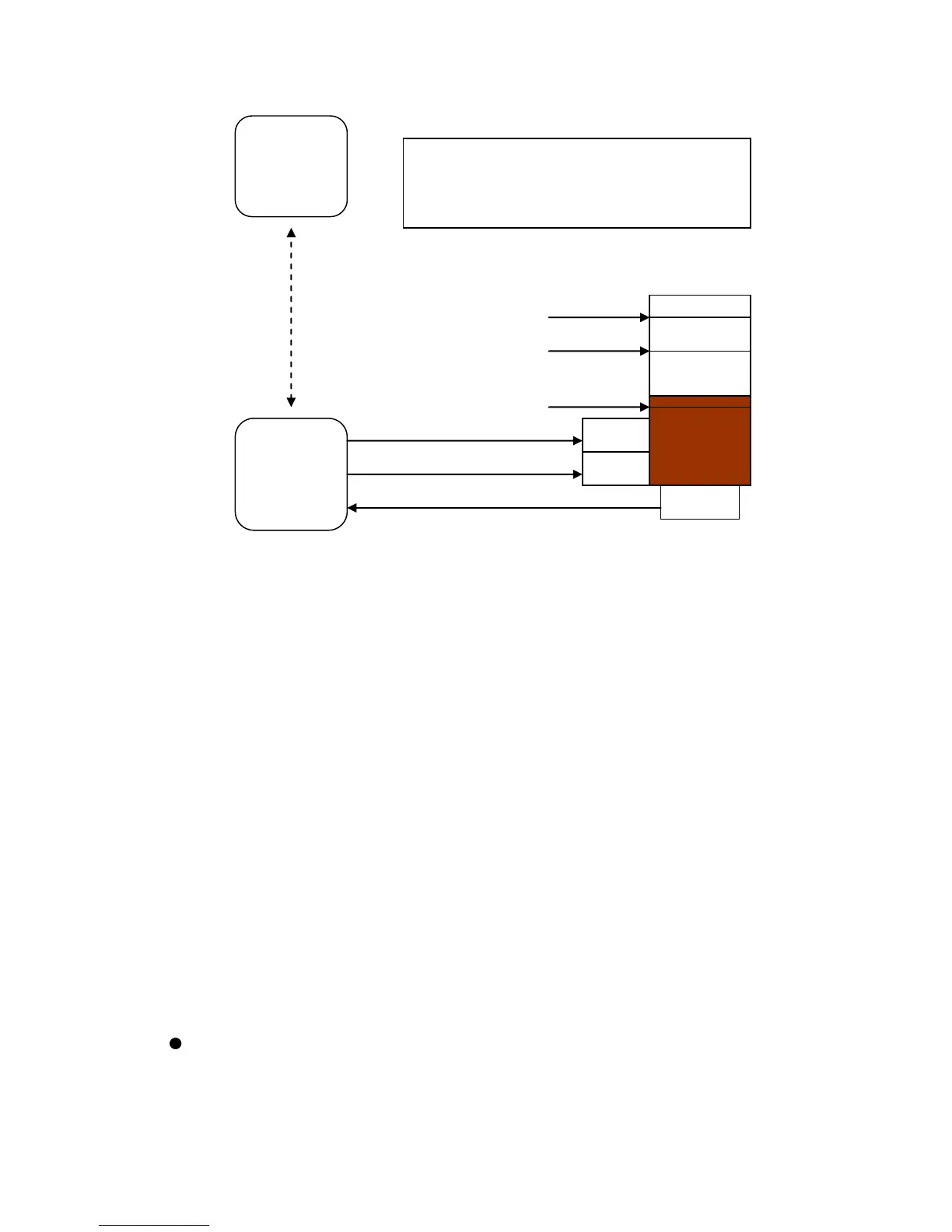
OPERATING RULES for controlling the level of the liquid:
1. If the level is "low" or less, turn the Pump ON.
2. If the level is "full" or more, turn the Pump OFF.
3. If the level is "too full" or more, OPEN the Drain.
4. If the level is "full" or less, CLOSE the Drain.
Central
Kantronics
TNC Based
Station
Remote
Kantronics
TNC Based
Station
radio
connection
between TNCs
Control line 2 (OPEN/CLOSE)



 To Next Page