SmartVision & SmartVision LITE – User Guide (Rev. 2.7) – Version 1943.4105 23
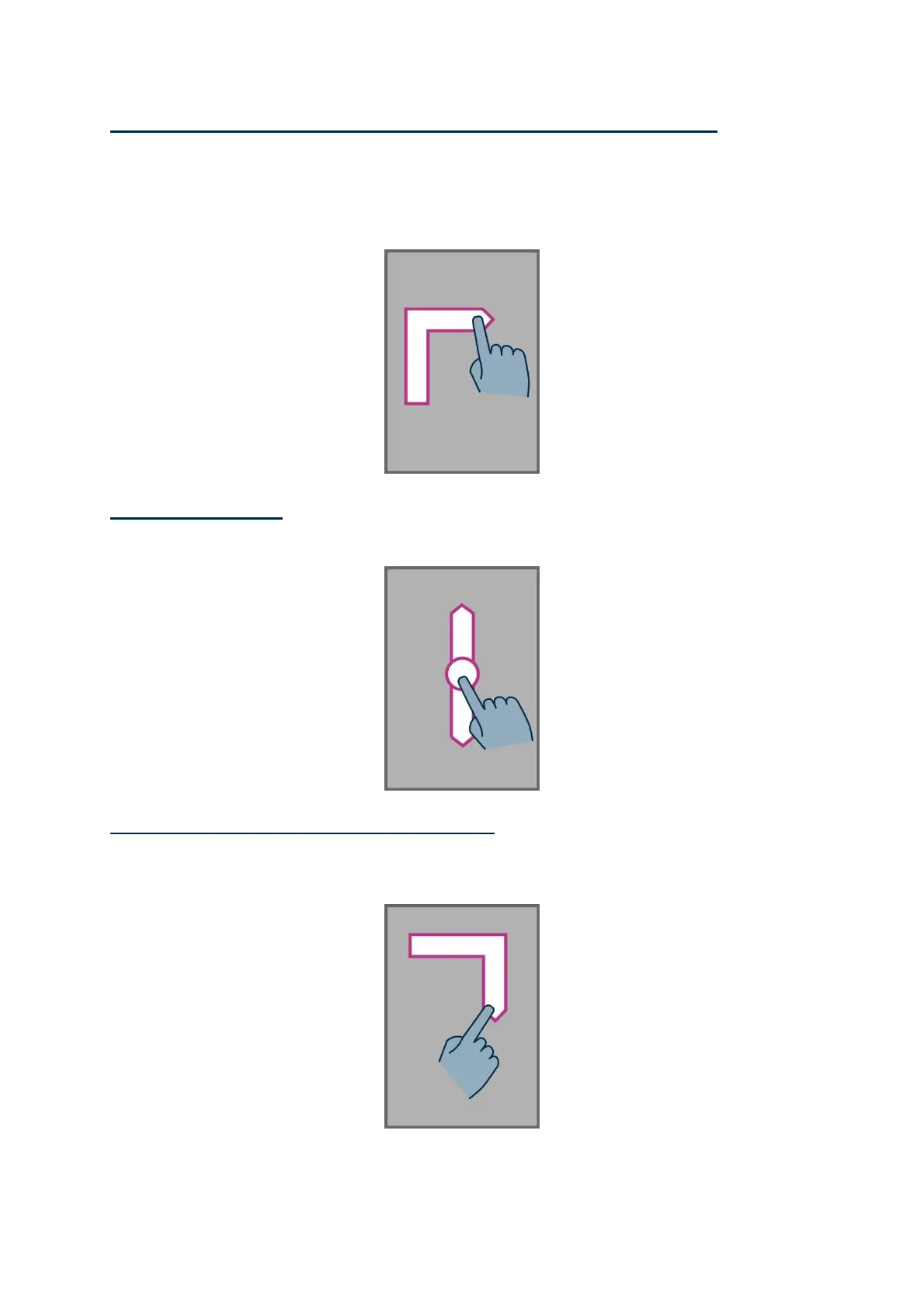
How to access the menu or the options for the active application, place your
finger on the screen, slide it up then right without removing the finger. You can also
slide your finger down and left, the voice over feature will say "Menu". Then press
the "OK" key without removing your finger from the screen.
.
How to scroll a list, place your finger on the screen and slide it up or down to scroll
a page or a list upwards or downwards.
How to open the "Notification" status bar, place your finger on the screen and
slide it from left to right and down. The voice over feature will indicate the status of
your smartphone (Wi-Fi, Bluetooth, GPS, etc...), as well as the last ten notifications.



 To Next Page