SmartVision & SmartVision LITE – User Guide (Rev. 2.7) – Version 1943.4105 58
The airplane mode disables all sources of radio frequency on the device (Wi-Fi,
Bluetooth, cellular network, etc.).
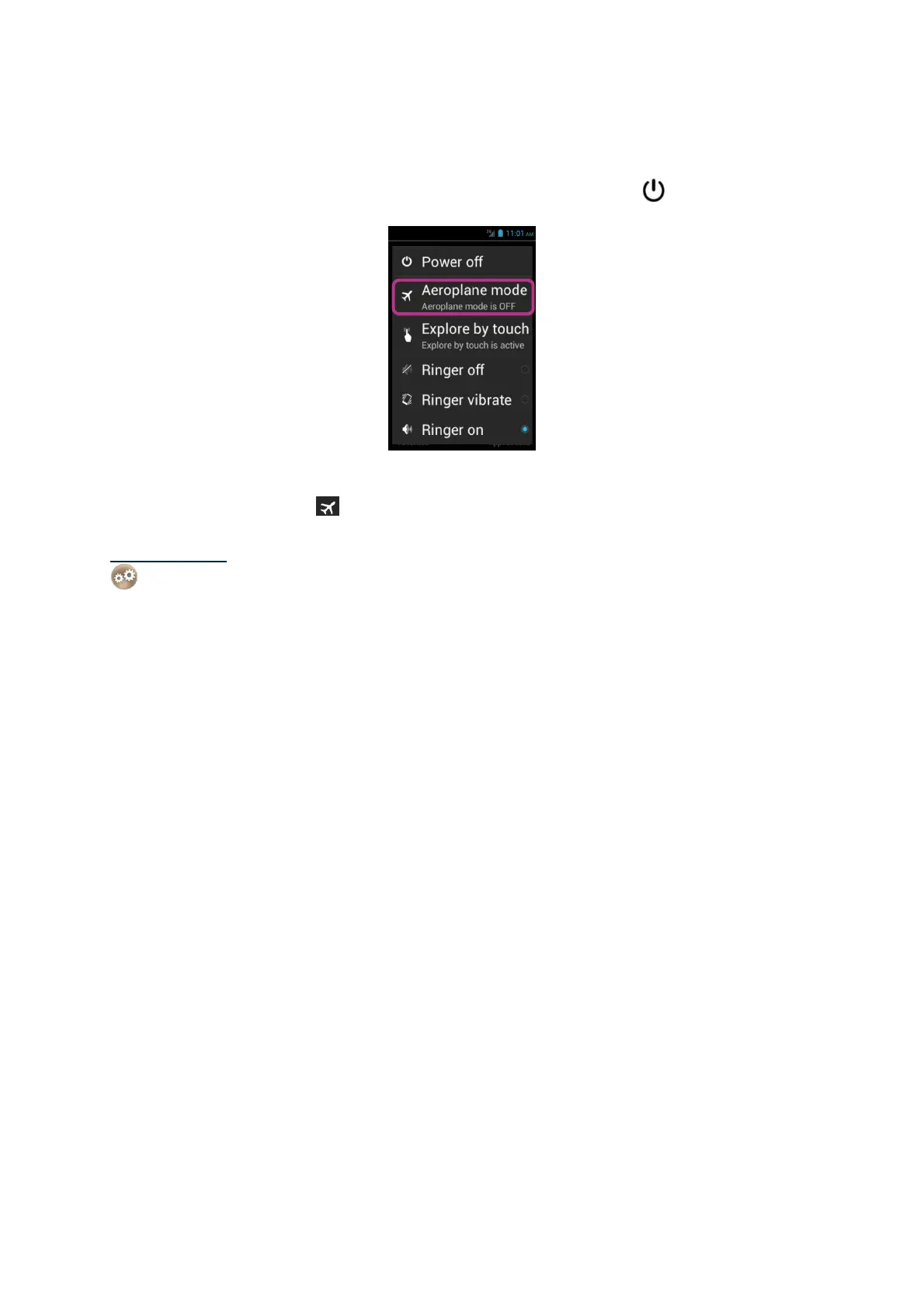
To activate the "Aeroplane mode", press and hold the "On Off"
key.
"Main menu" is displayed. Select "Aeroplane mode". You will be notified that this
mode is activated by the pictogram in the status bar.
Please note: airplane mode can also be activated from the "Settings"
application, by selecting "More…" option, then "Airplane mode".



 To Next Page