SmartVision & SmartVision LITE – User Guide (Rev. 2.7) – Version 1943.4105 83
Calculator
The "Calculator"
application lets you perform the basic operations such as
addition, subtraction, multiplication and division.
Here are the different functions of the keys for Calculator application:
- The keys 0 to 9 are used to enter the numbers for calculation.
- The “Star”
key is used to enter the operators (multiply, divide, plus,
minus, and decimal point).
- The “OK” key is used to validate the operation and vocalize the result.
- The “C” key is used to delete the last digit.
- The navigation “Up” and “Down” keys are used to navigate through the
performed operation.
For more complex operations i.e. sine, cosine, logarithm, etc. calculation, press the
"Menu" button to access the menu, and click on "Advanced panel". You also
have an option for removing previous calculations.
Calendar
The "Calendar"
application opens a calendar showing your events sorted by
date.
Create an event
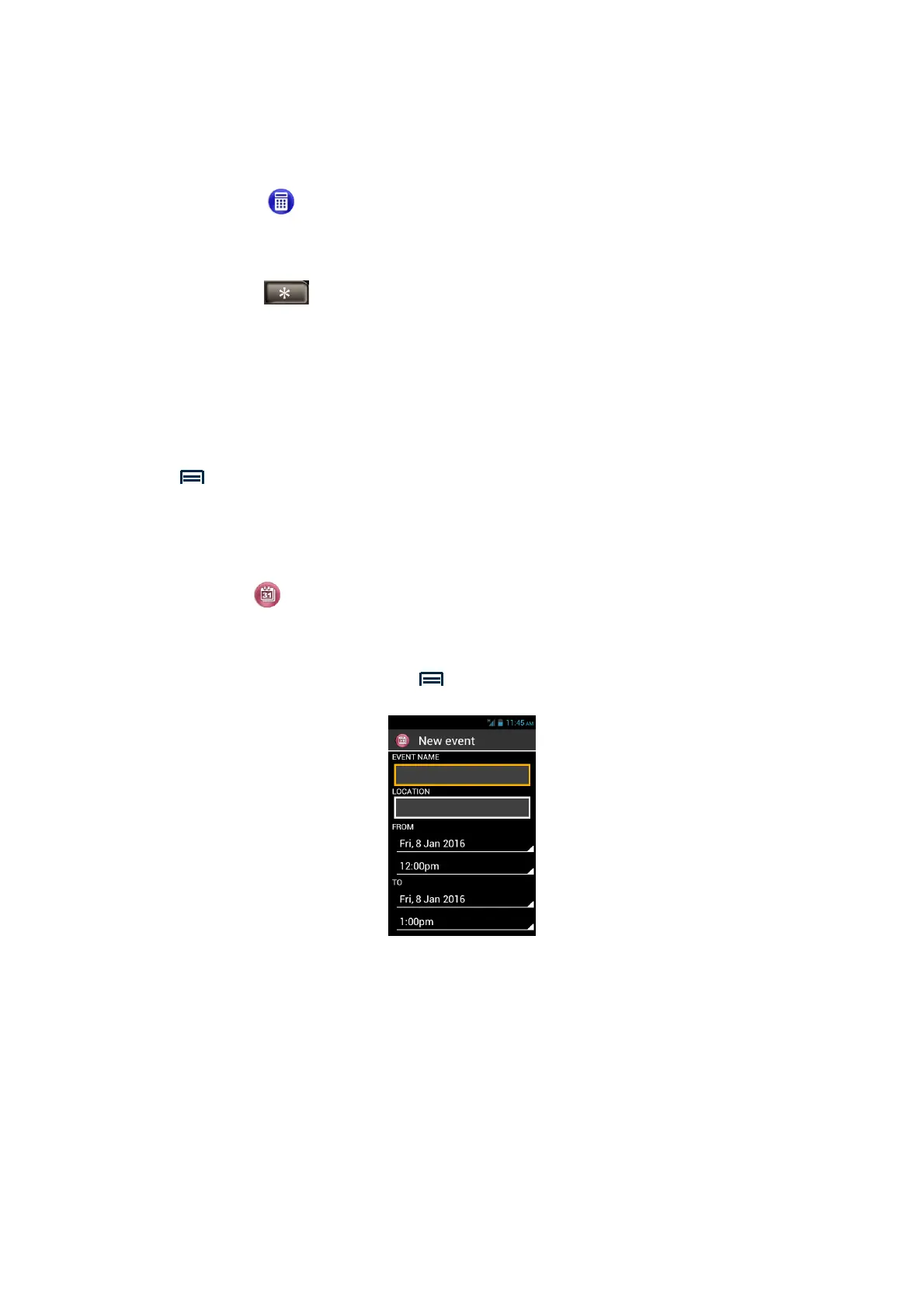
From the main screen, Press "Menu" then “New event”
Fill the different fields of the event (event name, location, date, time etc.) and save it
by selecting "Done" at the end of the list.
You can access to additional options by selecting the item "More" at the end of the
list. Once registered, you are automatically redirected to the main screen of the
calendar.



 To Next Page