SmartVision & SmartVision LITE – User Guide (Rev. 2.7) – Version 1943.4105 84
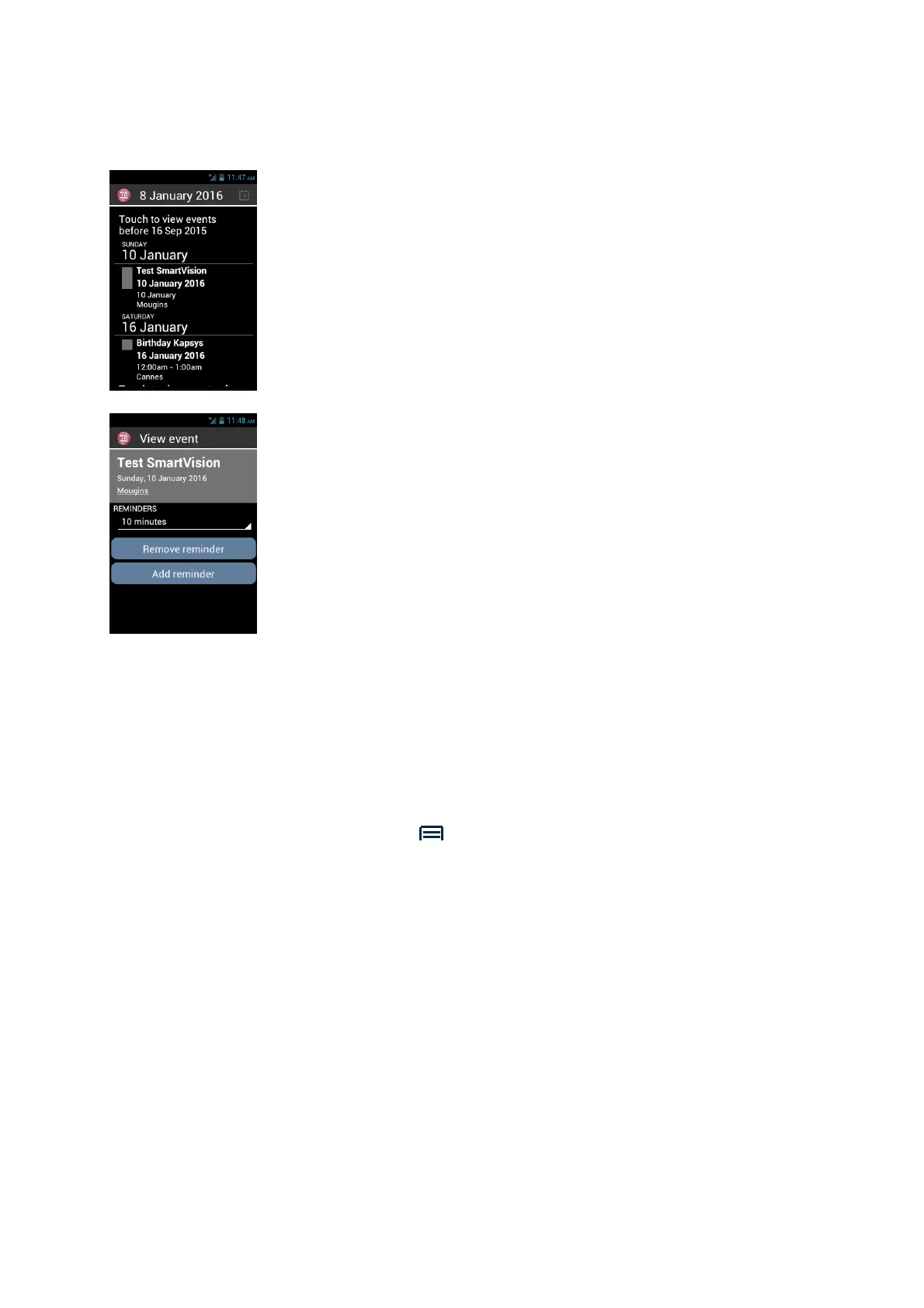
Consult an event
From the main screen of the calendar, use the navigation keys to browse the events.
Press "OK" to view the details of the event
From this screen you can “Modify the duration of the reminder”, “Remove a
Reminder” or “Add a reminder”.
Delete an event
From the events list, use the navigation keys to select the event to delete. Press
"OK" to enter into the event details and press "Menu". Then select "Delete" at the end
of the list.
Settings
From the main screen, Press "Menu" to display the following settings:
- "Today " returns to the current date
- "New event" schedules an appointment by filling out all the fields (event title,
location, date, etc.).
- "Refresh" updates the agenda.
- "Search" searches an already scheduled event.
- "Calendars to be displayed" synchronizes other calendars on your
SmartVision (SmartVision calendar is named “PC Sync”)
- "Settings" accesses the general settings and lets you personalize the events,
display, reminders, notifications, etc, based on your preferences.



 To Next Page