Karel MS48 Installation & Maintenance Guide
Edition 3.2
46
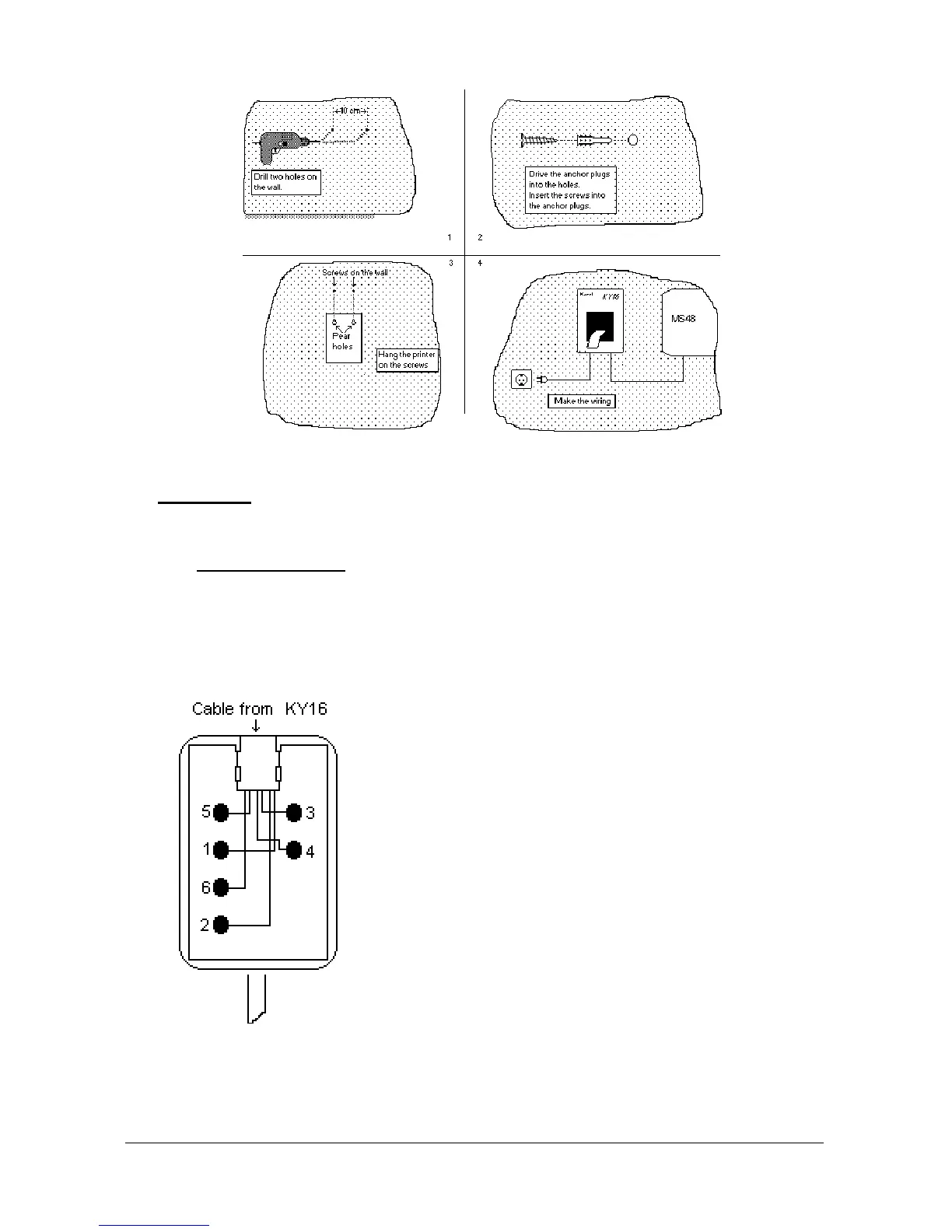
Figure B-12
• C
ABLING
The power cabling can be established via the built-in mains cable.
The printer data cable
that emerges from the bottom of the KY16 Mini Printer
has a connection box (with a cable) at its free end. The cable of the connection
box is attached to the box itself through a 6-pin RJ plug and has a 4-pin
connector at the other end.
The following signals are present on the connection box of printer data cable :
1- Data Signal
2- GND
3- No Connect
4- No Connect
5- Busy Signal
6- No Connect
Figure B-13



 To Next Page