:] :;
L_GHT AND POWER SW_TCH
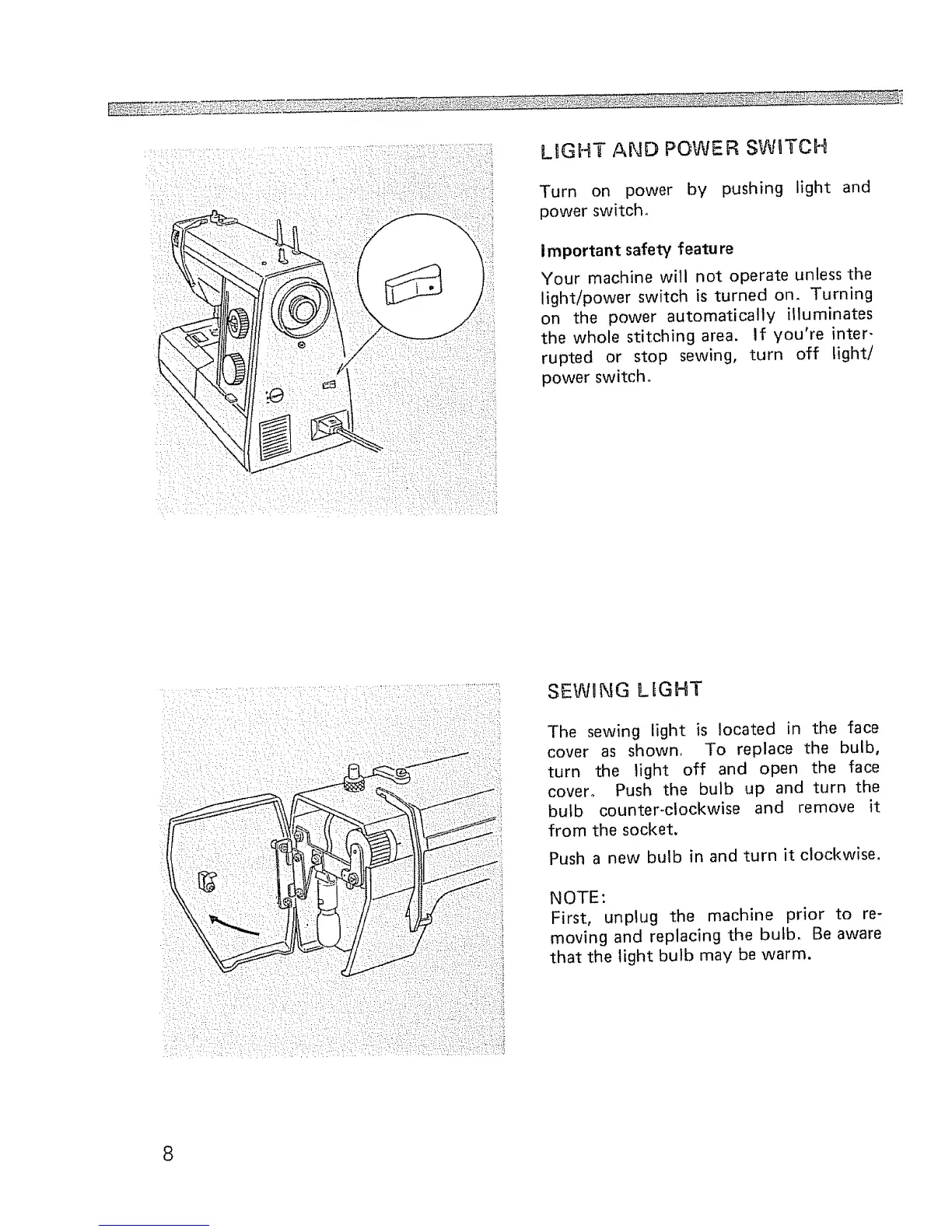
Turn on power by pushing light and
power switch,
important safety featu re
Your machine will not operate unless the
light/power switch is turned on, Turning
on the power automatically illuminates
the whole stitching area. If you're inter-
rupted or stop sewing, turn off light/
power switch.
SEWING LIGHT
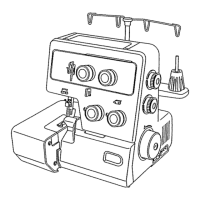
The sewing light is located in the face
cover as shown, To replace the bulb,
turn the light off and open the face
cover. Push the bulb up and turn the
bulb counter-clockwise and remove it
from the socket.
Push a new bulb in and turn it clockwise.
NOTE:
First, unplug the machine prior to re-
moving and replacing the bulb, Be aware
that the light bulb may be warm.
8



 To Next Page