User Controls Overview 4
Man-1452EN Rev.02
Sigma ZXT User Manual
16
Notes
....................................................................................................................................................................................
....................................................................................................................................................................................
....................................................................................................................................................................................
....................................................................................................................................................................................
....................................................................................................................................................................................
....................................................................................................................................................................................
....................................................................................................................................................................................
....................................................................................................................................................................................
....................................................................................................................................................................................
....................................................................................................................................................................................
....................................................................................................................................................................................
....................................................................................................................................................................................
....................................................................................................................................................................................
....................................................................................................................................................................................
....................................................................................................................................................................................
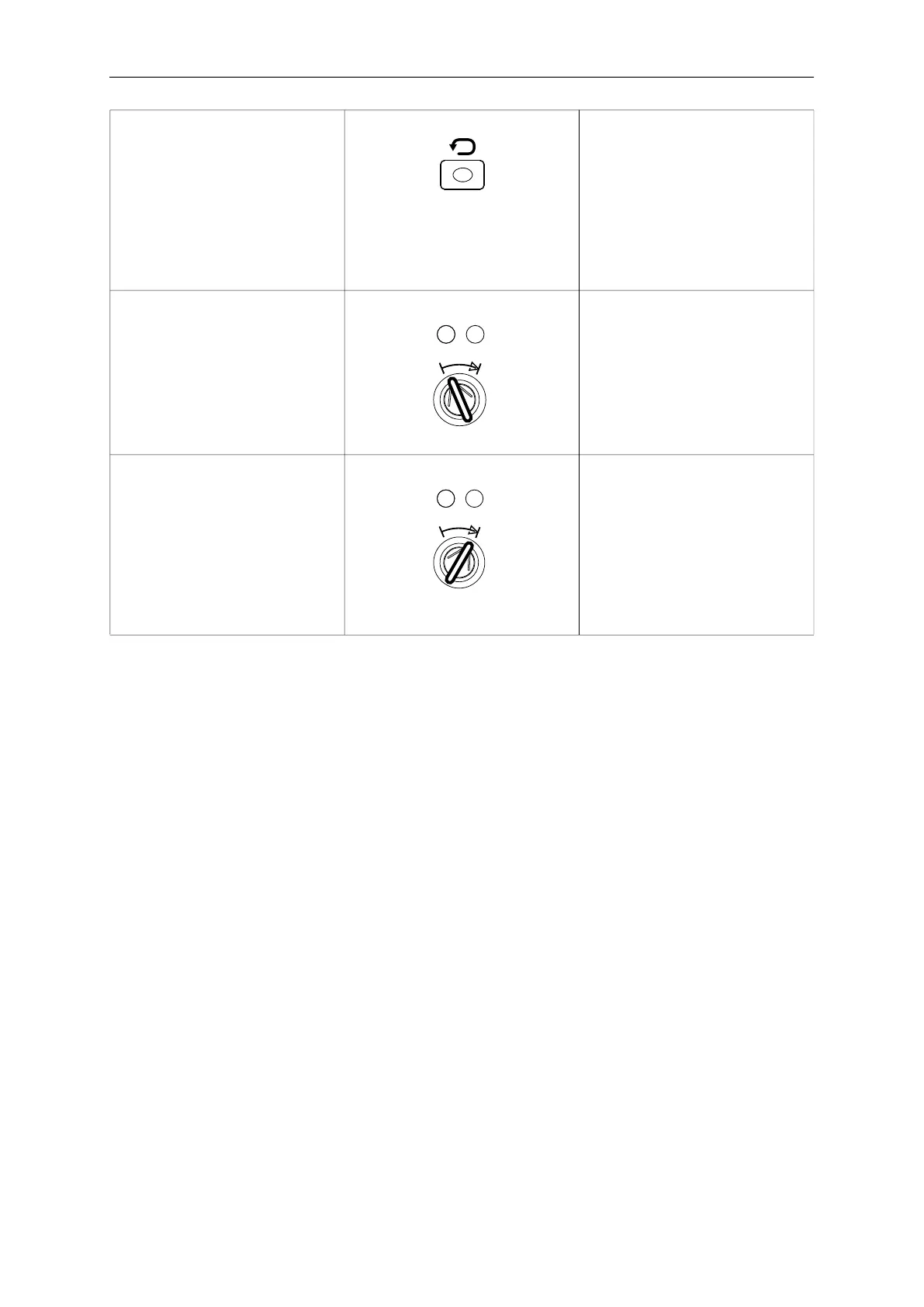
Reset Press Reset button.
Panel will clear all active alarm and
fault conditions displayed on the panel
returning the system to normal opera-
tion.
Note:If the root cause of any alarms or
faults have notbeen cleared, following
a reset those active alarms and faults
will reappear on the Panel.
Auto Mode “Auto” mode – Enables the extinguish-
ant release to be triggered by either
automatic detection devices or manual
intervention i.e. Manual Release Push-
button
Insert key and turn to “Auto” position.
Confirm “Auto” LED illuminates.
Manual Mode Manual Mode – Enables the extin-
guishing release to be triggered by
manual intervention only i.e. Manual
Release Push-button
Insert key and turn to “Manual” position.
Confirm “Manual” LED illuminates.
Note:Alarms from automatic detection
devices will not release extinguishant.



 To Previous Page