iPod/iPhone
31English
Search Operation
You can search music files by the following
operations.
1
Touch [1].
2
Touch [S].
3
Select a list type.
NOTE
• For operations on the list screen, see List screen
(P.15).
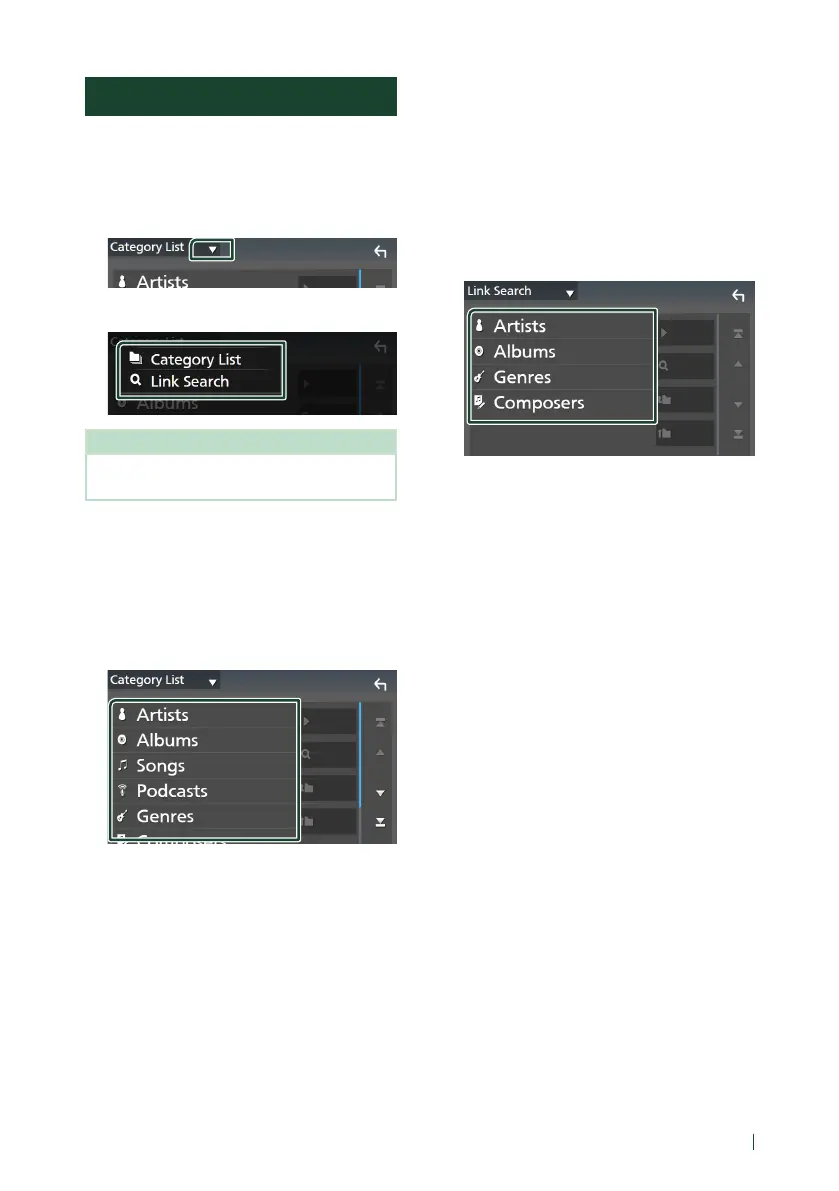
Ñ Category search
You can search for a file by selecting a
category.
1
Touch [Category List].
2
Touch the desired category.
The list corresponding to your selection
appears.
3
Touch to select the desired item in the
list. Repeat this step until you find the
desired file.
Ñ Link search (Audio file only)
You can search for a file of the same artist/
album/genre/composer as that in the current
track.
1
Touch [Link Search].
2
Touch the desired tag type. You can
select from artists, albums, genres and
composers.
The list corresponding to your selection
appears.
3
Touch the desired item in the content list.


 To Next Page
 Loading...