Bluetooth Control
46
Using the Hands-Free Unit
You can use the telephone function by
connecting the Bluetooth telephone to this
unit.
NOTE
• If you use the Hands-Free function frequently,
move the TEL short-cut key (icon) to the Home
screen. (P.14)
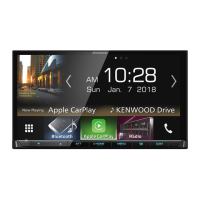
• While using the Bluetooth Hands-Free function,
Apple CarPlay or Android Auto is not available.
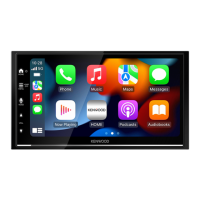
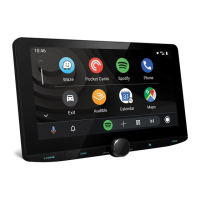
• While Apple CarPlay or Android Auto is
connected, the Bluetooth Hands-Free function
and two Bluetooth devices connections cannot
be used. Only the Apple CarPlay or Android Auto
Hands-Free function can be used.
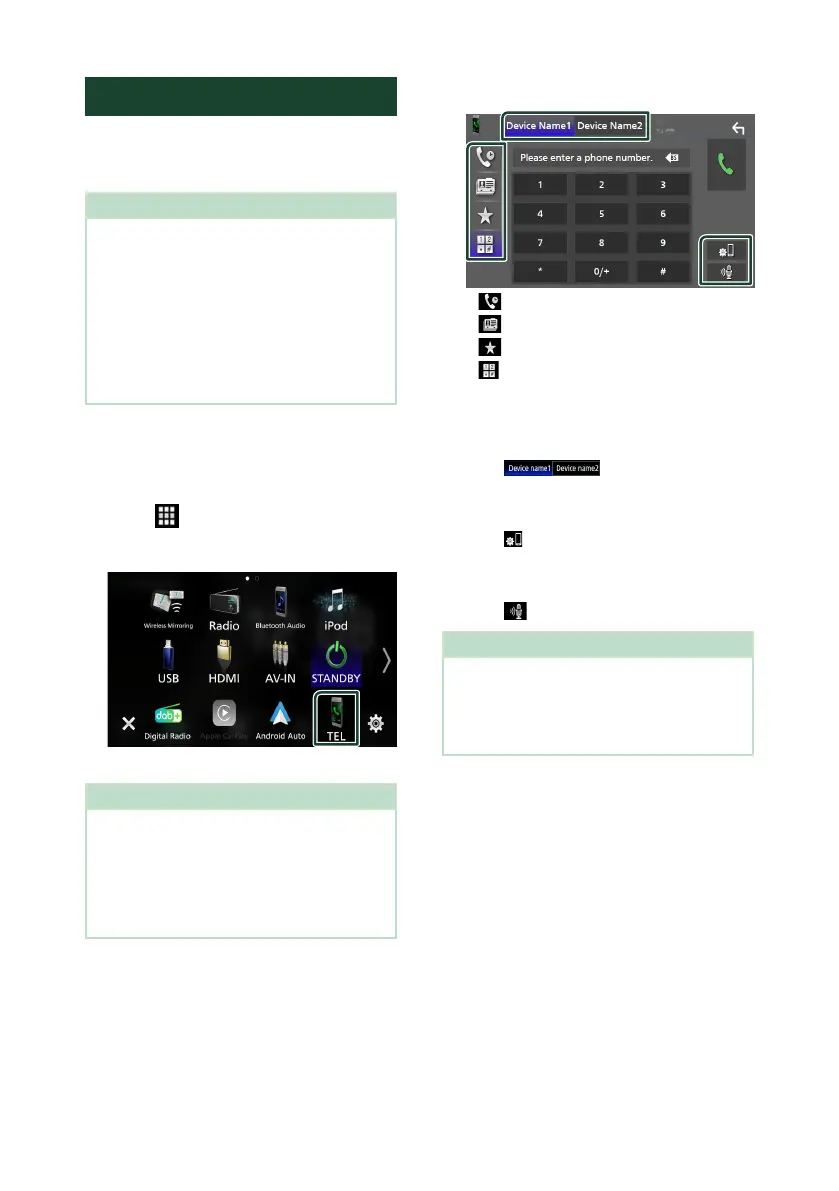
Ñ Make a call
1
Press the [HOME] button.
2
Touch [ ].
3
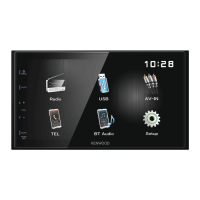
Touch [TEL].
Hands-Free screen appears.
NOTE
• If your smartphone/cell-phone supports PBAP,
you can display the phonebook and call lists onto
the touch panel screen when the smartphone/
cell-phone is connected.
– Phonebook: up to 1000 entries
– Up to 50 entries including dialed calls, received
calls, and missed calls
4
Select a dialing method.
• [ ]: Call using call records
• [
]: Call using the phonebook
• [
]: Call using the preset number
• [
]: Call by entering a phone number
● Select the smartphone/cell-phone to use
When you connect two smartphones/cell-
phones
1) Touch [
] to select the phone
you want to use.
● Connection Setup
1) Touch [
].
Connection Setup screen appears.
● Voice Recognition
1) Touch [
]. (P.48)
NOTE
• Status icons such as battery and antenna
icons may differ from those displayed on the
smartphone/cell-phone.
• Setting the smartphone/cell-phone in the private
mode can disable the Hands-Free function.


 To Next Page
 Loading...