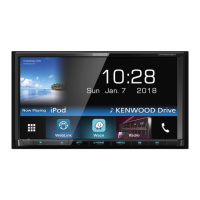
Bluetooth Control
47English
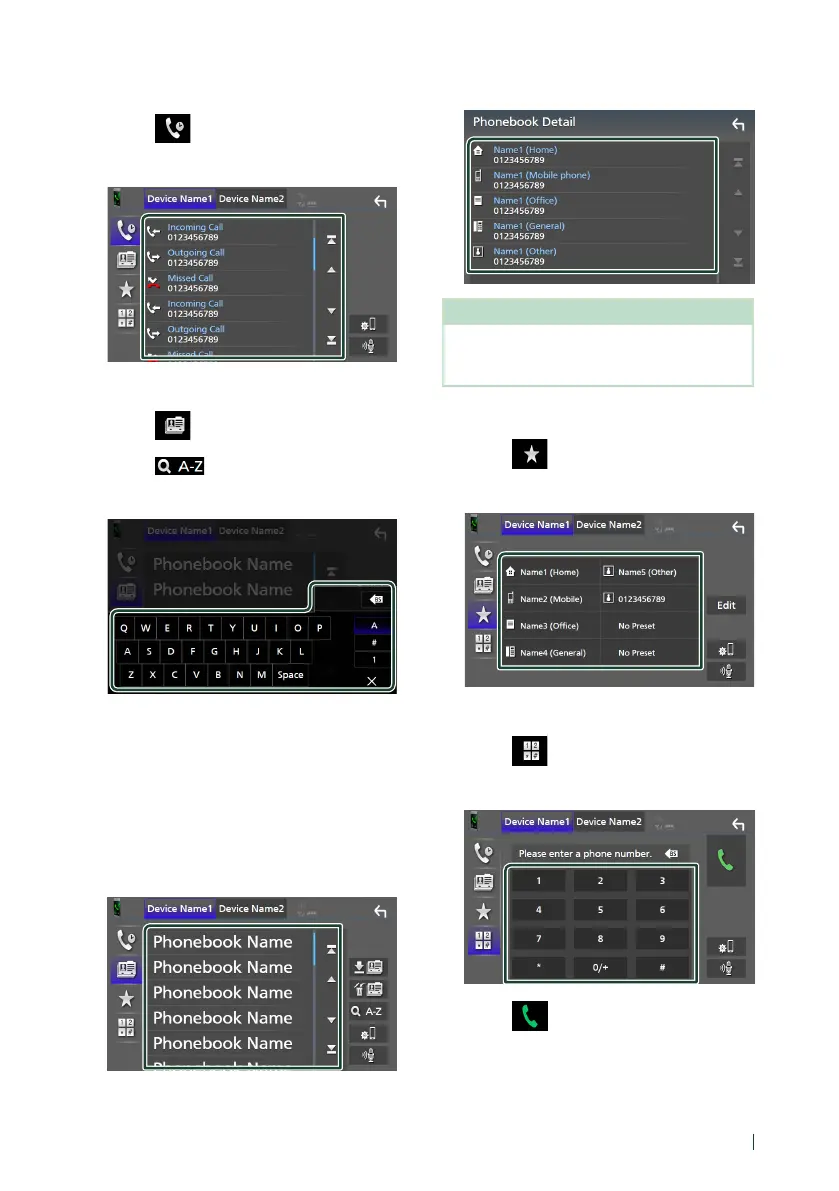
Call using call records
1
Touch [ ].
2
Select the phone number from the list.
Call using the phonebook
1
Touch [ ].
2
Touch [ ].
3
Select the initial.
• Characters with no corresponding name
will not appear.
• A first character with an accent character
such as “ü” can be searched for with a
non-accent character “u” . A character
with an accent character in a sentence
cannot be searched for.
4
Select the person you want to call from
the list.
5
Select the phone number from the list.
NOTE
• You can sort the phone numbers in the list by last
name or first name. For details, see Hands-Free
Setup (P.51).
Call using the preset number
1
Touch [ ].
2
Touch the name or phone number.
Call by entering a phone number
1
Touch [ ].
2
Enter a phone number with number keys.
3
Touch [ ].


 To Next Page
 Loading...