ES749 Flow Computer
110
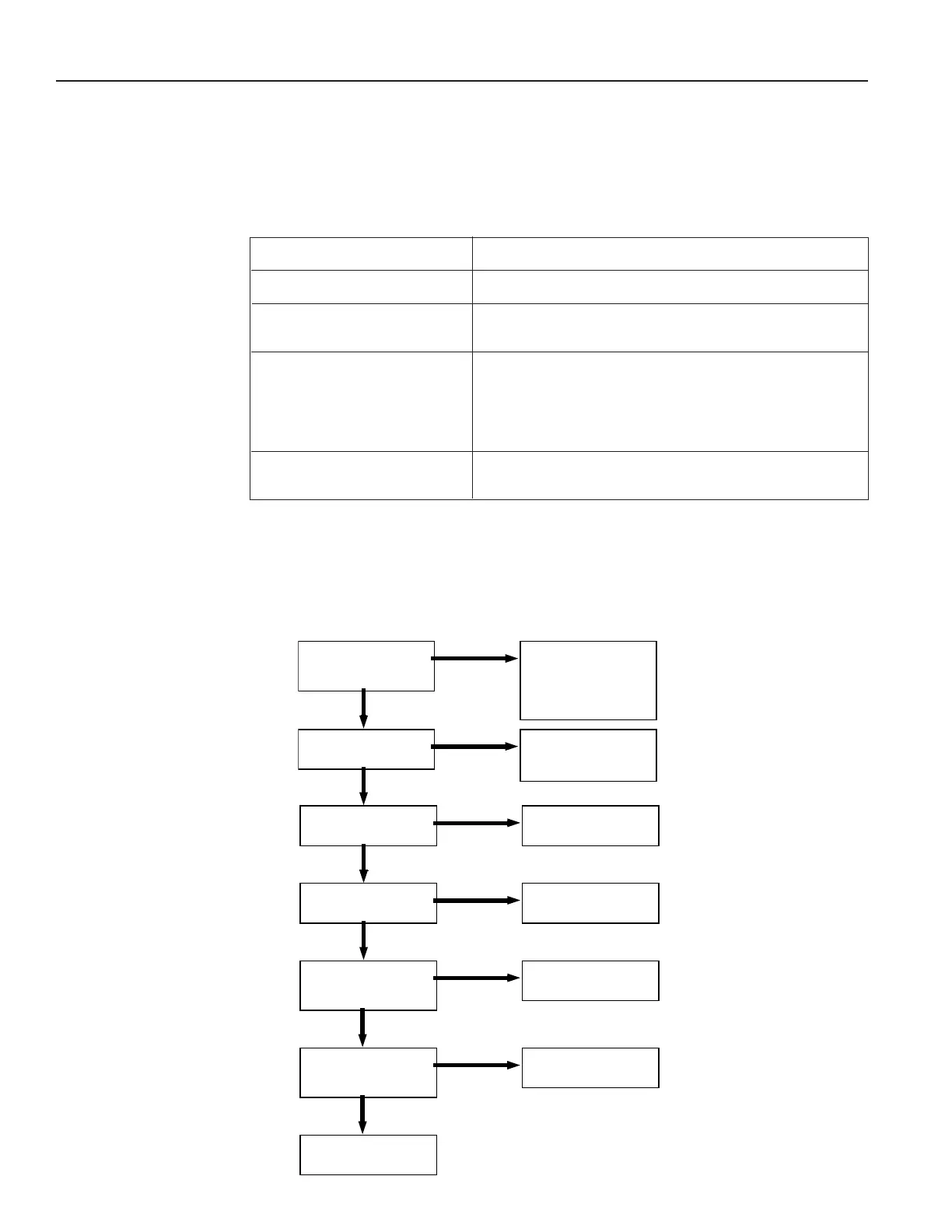
12.2 Diagnosis Flow Chart and Troubleshooting
All instruments undergo various stages of quality control during production. The last of these stages is
a complete calibration carried out on state-of-the-art calibration rigs.
A summary of possible causes is given below to help you identify faults.
Is there a power supply
voltage across Terminals
23 and 24?
Check the connections
according to the circuit
diagrams.
Check junction box fuses.
Is the Display Backlight
Visible?
Check/Replace internal
fuse. If fuse is OK,
Factory Service Required.
Is there a black bar
across the display?
Factory Service Required.
Does the display
alternate between blank
and sign on message?
Does the display show
an error message?
See section 12.3 for
cause and remedy.
No system or process
errors present.
Are the Display
Characters Visible?
Factory Service Required.
Factory Service Required.
12. Diagnosis and Troubleshooting
12.1 Response of ES749 on Error or Alarm:
Error indications which occur during operation are indicated alternately with the measured values. The
ES749 Flow Computer has four types of error:
TYPE OF ERROR DESCRIPTION
System Alarms Errors detected due to system failure
Sensor/Process Alarms Errors detected due to sensor failure or process
alarm conditions
Service Test Errors Errors detected due to problems found
during service test. (Service test can only
be performed by qualied Factory service
technicians because service code and special
equipment are needed)
Self Test Errors Errors detected during self test. (Each time
the unit is powered, it runs a self test)



 To Next Page