KR-K7 User manual
24
11.2 Auto Arm/Disarm
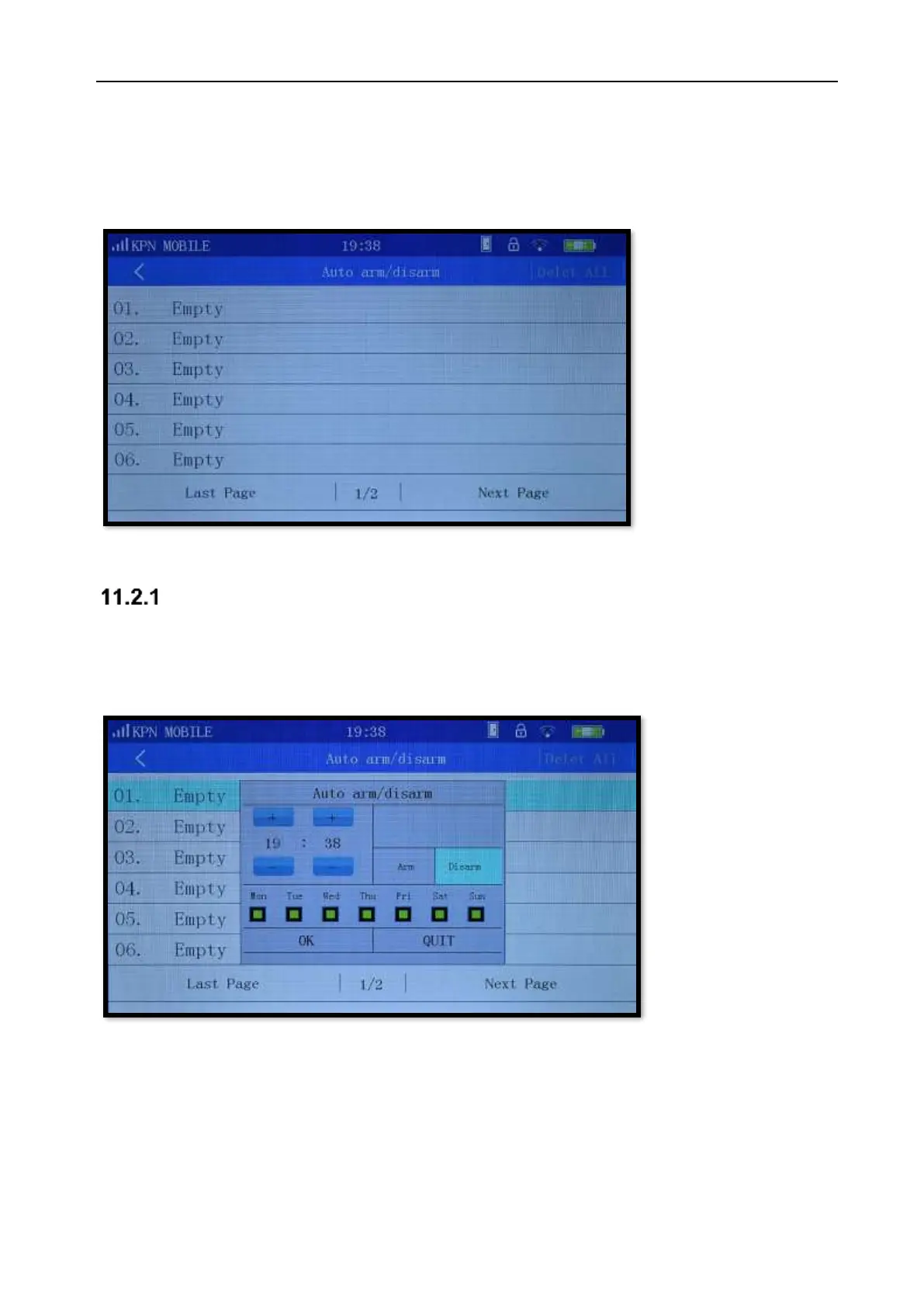
On the page of Auto Arm/Disarm, you can program the first 8 zones to automatically Arm/Disarm. The
setting supports “time”, “arm/disarm” and “day of week” choice.
Picture 11-2
Delete auto arm/disarm
To delete auto arm/disarm for a zone choose the zone that you want to delete. A dialog [edit/ delete]
will pop up. If you select [edit], you can edit the settings; if you choose [delete] it will delete the auto
arm/disarm.
Picture 11-3
To delete all groups auto arm/disarm click in the top right corner [delete all].



 To Next Page