KR-K7 User manual
31
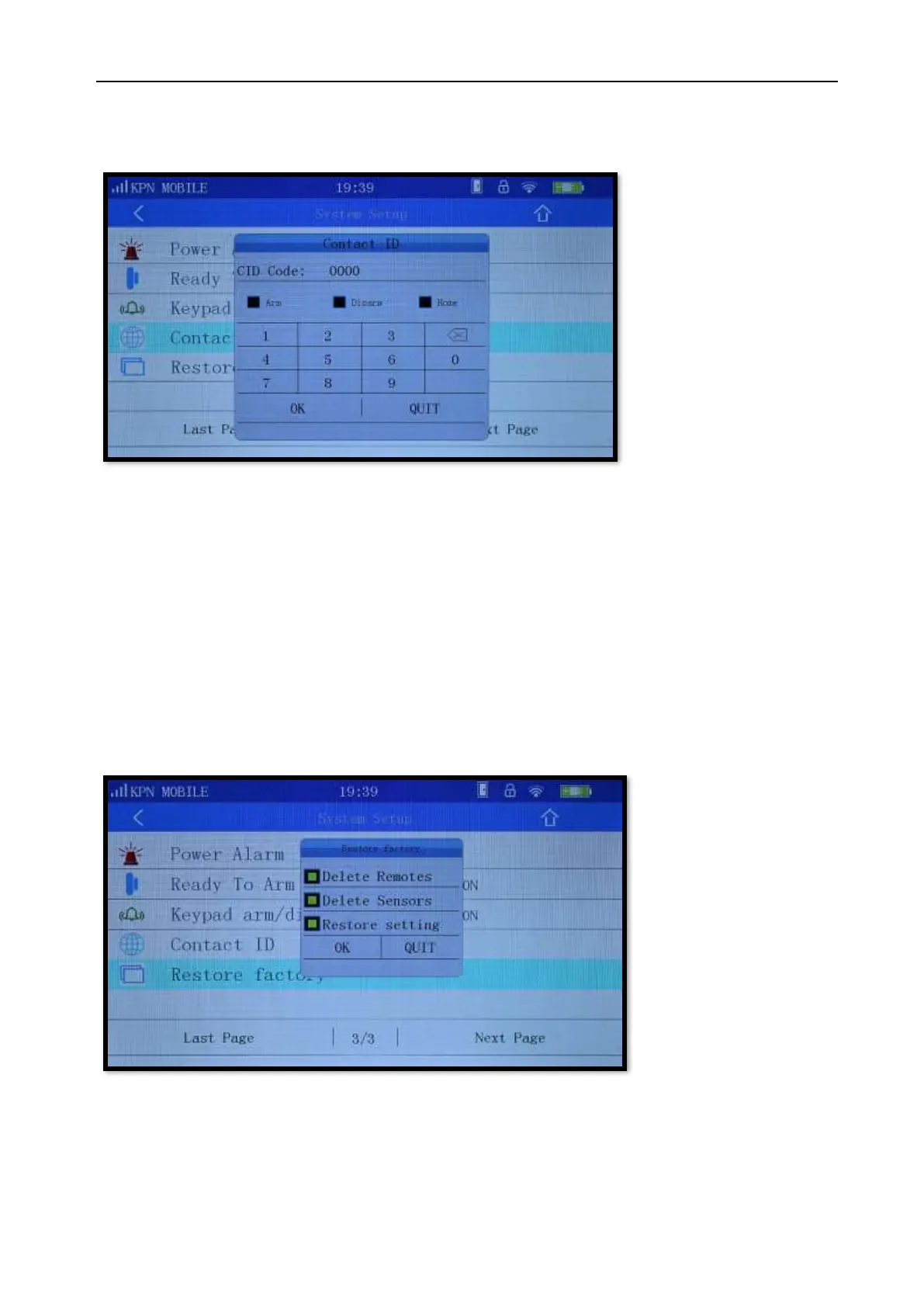
11.14 Contact ID
CID No. is the account which is shown on the network center.
Picture 11-15
11.15 Restore factory
Restores the K7 panel to the factory defaults using three options:
Delete Remotes: Delete all programmed remote controls.
Delete Sensors: Delete all programmed sensors.
Restore setting: Except the added remote controls, sensors, smart sockets, sirens and
language all other settings will be restored to factory setting.
Picture 11-16



 To Next Page