KR-K7 User manual
29
11.11 Power Alarm
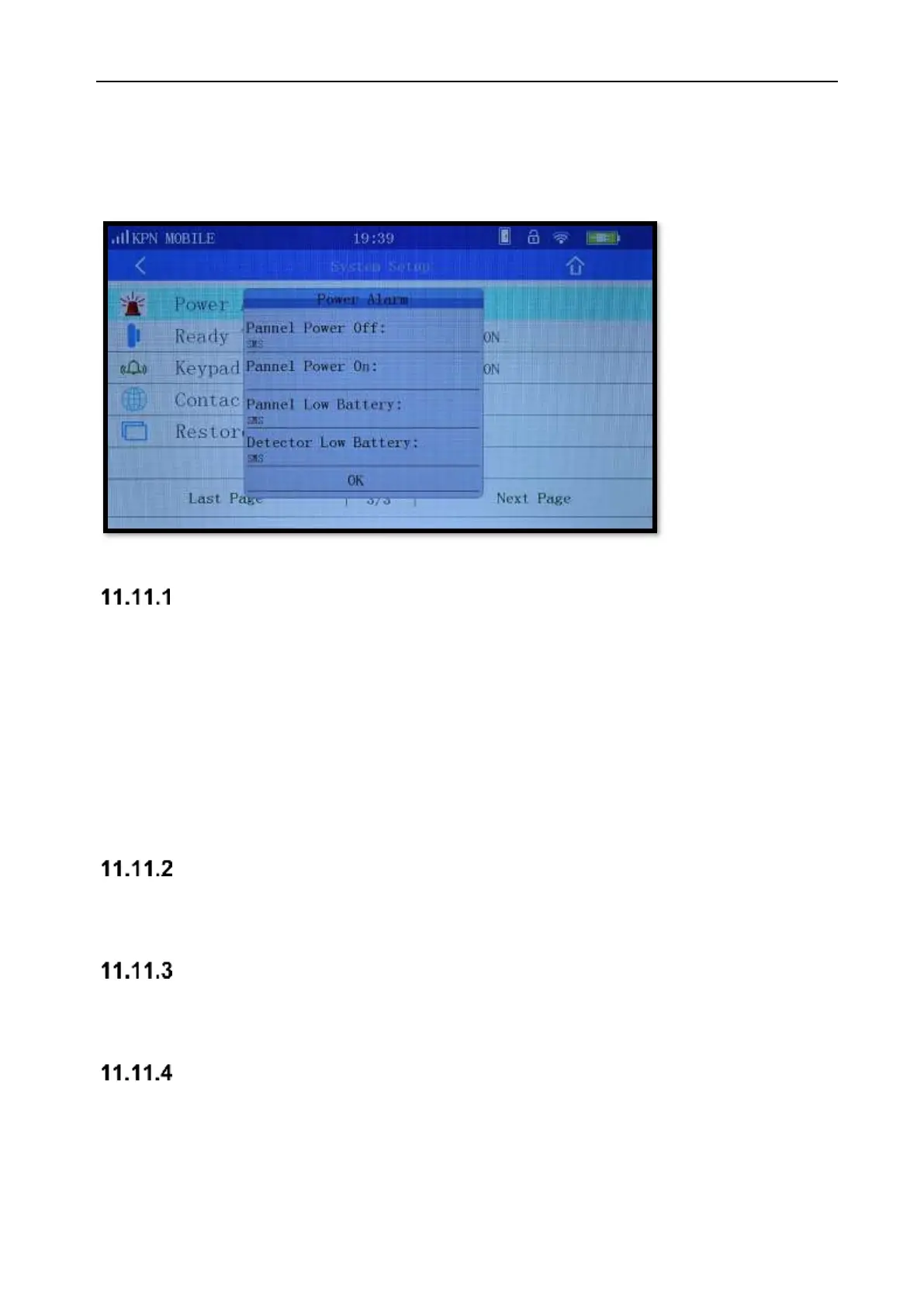
In the settings page of Power Alarm (Picture 11-12), there are 4 choices: Panel Power Off, Panel
Power On, Panel Low Battery, and Sensor Low Battery.
Picture 11-12
Panel Power OFF
When “Panel Power Off” is chosen, four choices pop up:
Voice: Panel will say that the power is Off
Siren: The siren will be activated
SMS: A SMS is send that the power is off
Call: The telephone numbers are called.
After setting the Panel Power Off function, the panel will warn you that the power is off, to avoid the
unnecessary loss of security functions.
Panel Power ON
The same as Panel power OFF, user can choose same choices according to their needs.
Panel Low battery
The same with above, user can choose same choices according to their needs.
Detector Low battery
The same with above, user can choose same choices according to their needs.



 To Next Page