KR-K7 User manual
25
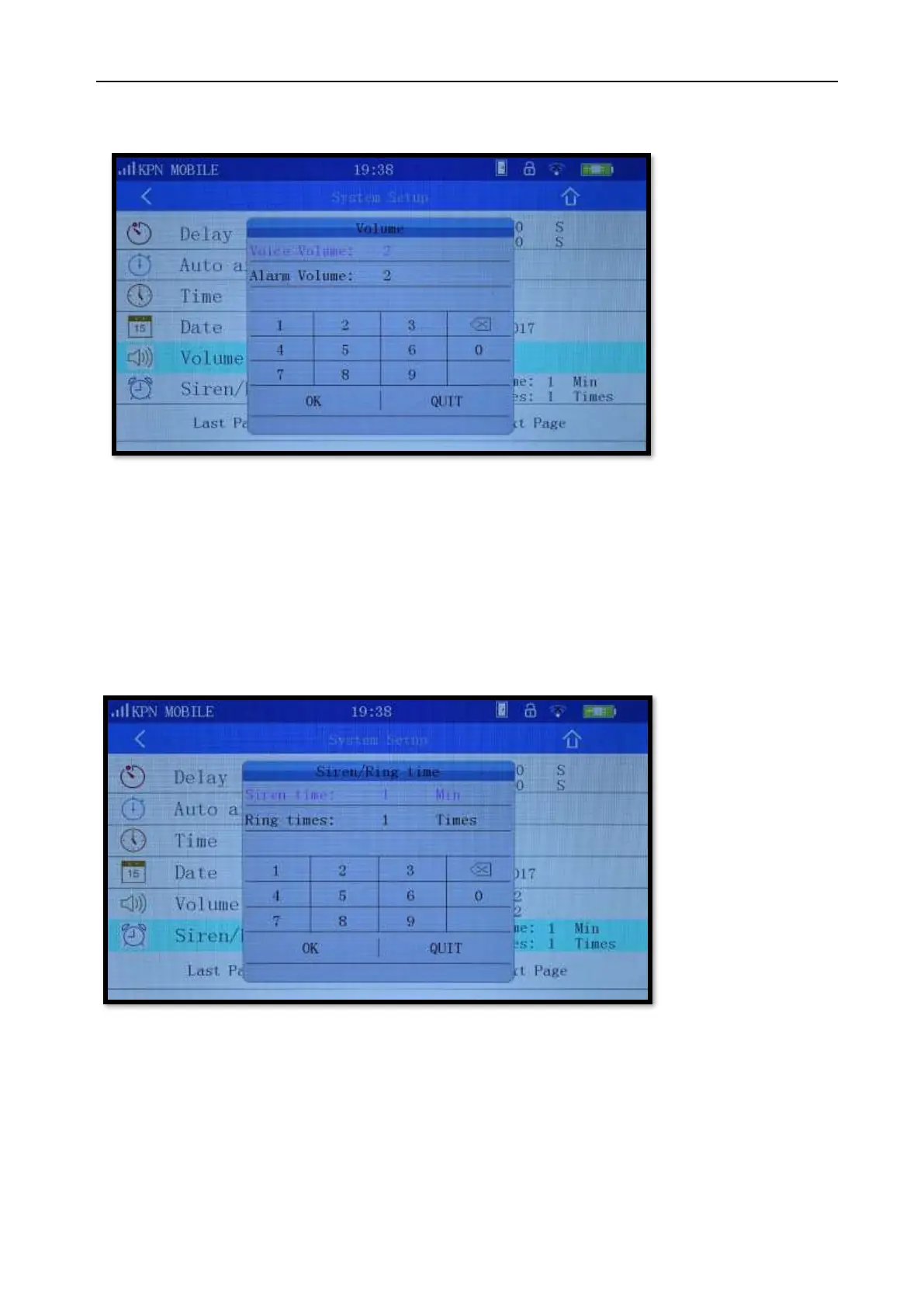
11.3 Volume adjustment
Picture 11-4
Voice volume: Ability to set the voice prompt volume (0-7) of the panel. 0 means voice prompt mute,
7 means the maximum volume. The default voice volume is 5.
Alarm volume: Ability to set the alarm volume (0-7) when the panel alarms. 0 means alarm mute, 7
means the maximum alarm volume. The default alarm volume is 5.
11.4 Siren/Ring time
Picture 11-5
Siren time: Ability to set the number of minutes the alarm sounds. Make sure you meet the
regulations in your area about duration of the alarm sound.
The maximum is 20 minutes, 0 indicates no siren, The factory default is one minute.
Ring times: When the host is remotely calling (during alarm) it will wait for an answer after the
specified number of ring tones. Can be set up to 20 times, entering 0 to disables the remote control
function. 20 indicates that the host waits 20 continuing rings to answer the call.
The factory default is 1.



 To Next Page