◆
Unit km/mile Conversion
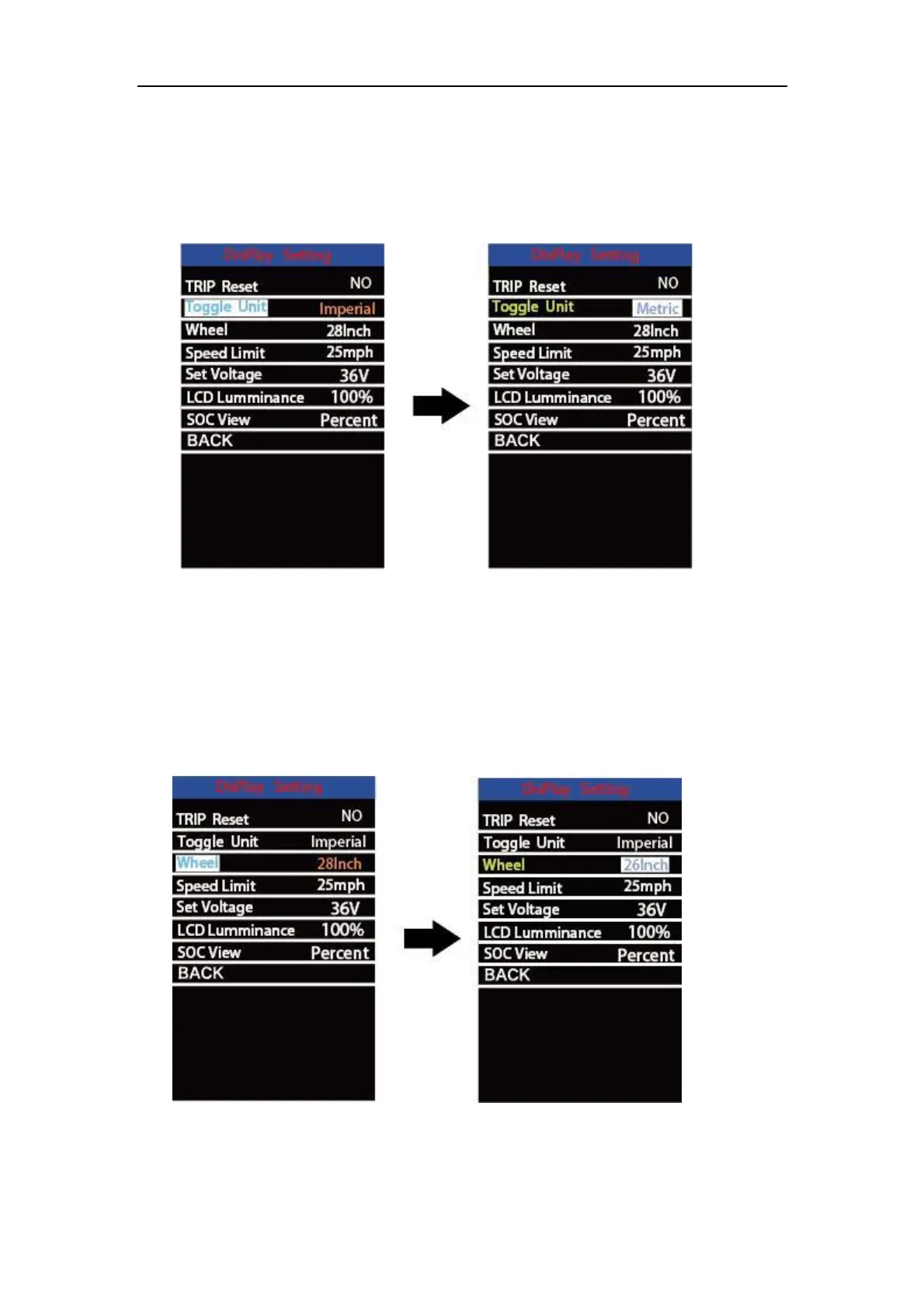
Toggle Unit represents unit settings.
To toggle the unit, press the “+” button or the “-” button to choose the desired unit and
press the “i” button to confirm The default unit is “Metric (km)”.
To store a changed setting, briefly press the “i” button to confirm.
Mile and Kilometer Toggling Interface
◆
Wheel Diameter Settings
Wheel represents wheel diameter settings. To change basic settings, press the “+”
or the “-” button to increase or decrease until the desired value is displayed. The default
value is 26 inch.
To store a changed setting, press the “i” button to confirm.
Wheel Diameter Settings Interface



 To Next Page