Keyscan Inc. A Member of the Kaba Group – CA8WL-AL Rev. B Installation Guide (07.15)
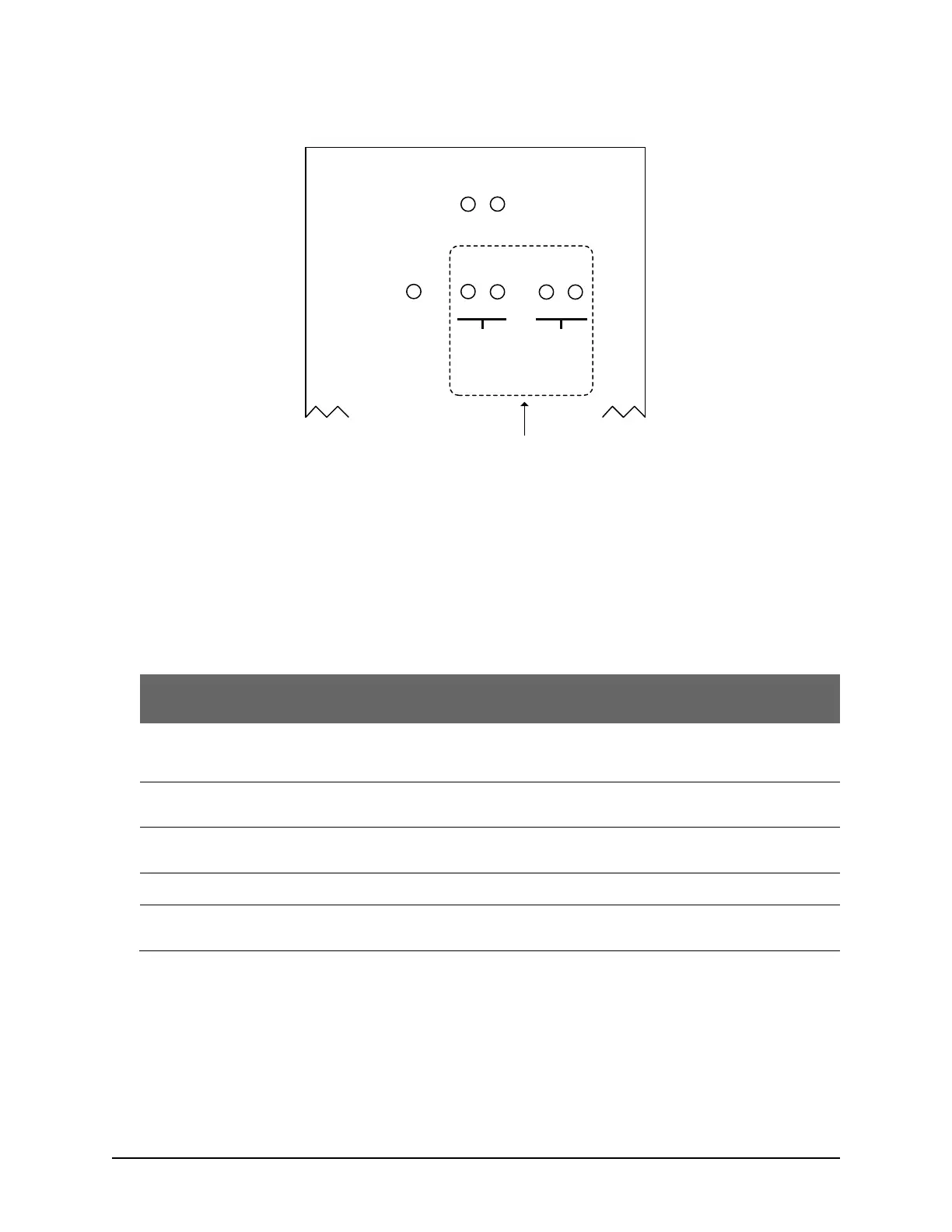
Figure 15 – Communication Status LEDs
System Status LED
System status is a tri-colour LED – red, amber and green – indicating the current system status as outlined.
The control board also has a piezo that emits audible tones under certain LED states.
Table 5 - System Status LED
The main processor is held in reset and not operating. This can be caused by a jumper installed on J6
or by the main processor supervisory circuit if critical PCB voltages are not within normal operating
parameters. The on-board piezo emits a steady tone while in this mode.
The control board is in clear memory mode. The on-board piezo emits a cycle of 2 short beeps and
then a pause while the control board is in this mode.
The control board has not communicated to the Client software since its last system reset or clear
memory.
The control board’s last communication with the Client software was 3 minutes or greater.
The control board has communicated to the Client software since its last system reset or clear
memory
CARD
BITS
10s
1s
SYSTEM
STATUS
COMMUNICATION
STATUS
TD 1
RD 1
TD 2
RD 2
SYSTEM
INPUTS/
RS-485
(TB7)
SERVER
RS-232 (TB5)
ETHERNET
Cut View
CA8WL-AL
Left Cover
CommunicationStatus
TD & RD
LEDs
KI-00526E-12-14



 To Next Page