Multimeter Setup Options 4
Setup Menu Items
U1271A/U1272A User’s Guide 135
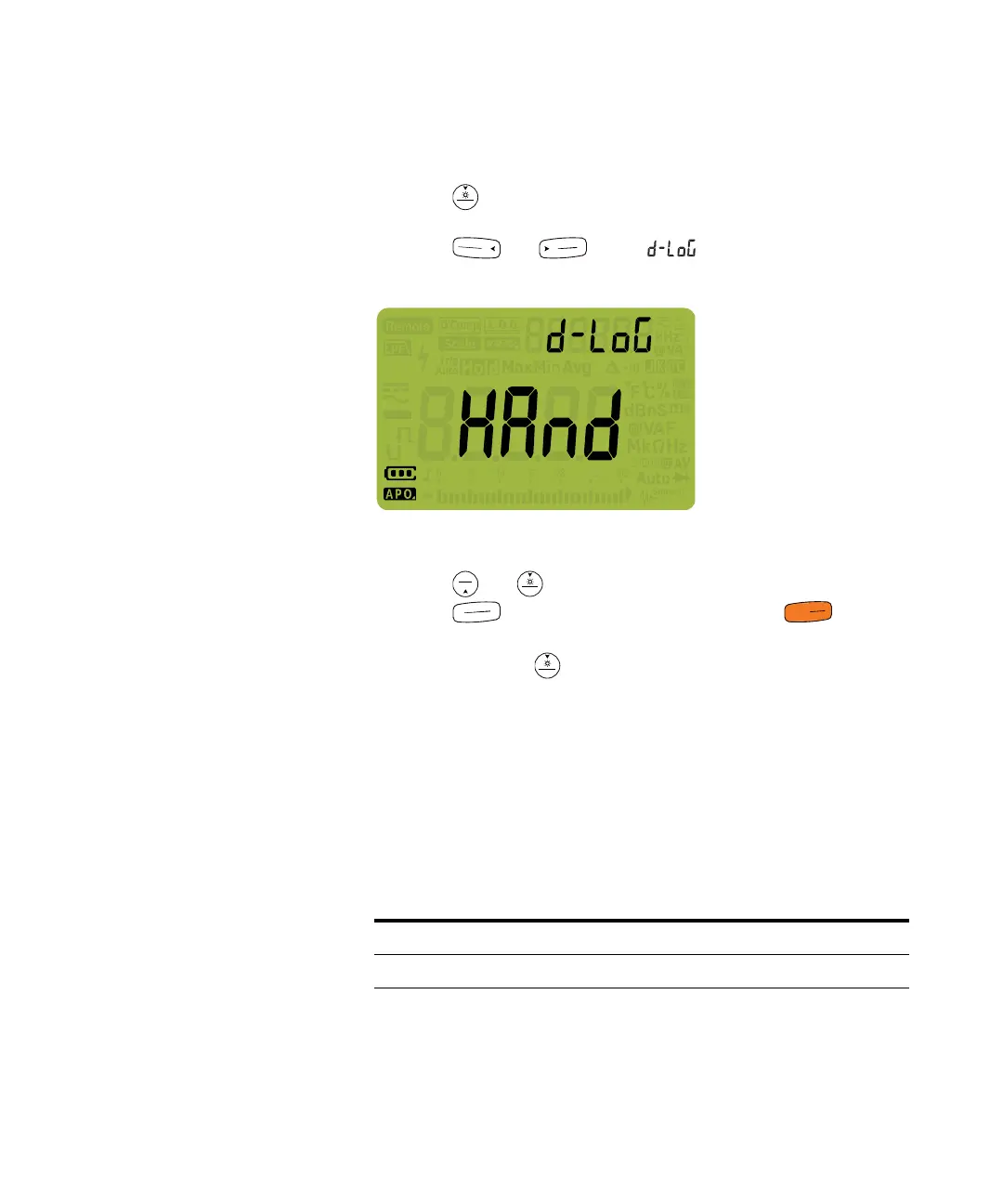
To change the recording option:
1 Press for more than 1 second to enter the
multimeter’s setup menu.
2 Press or until is shown on the
secondary display.
Figure 4-4 d-LoG display
3 Press or to set the recording option.
4 Press to save your changes or press to
discard your changes.
5 Press and hold until the multimeter restarts to return
to normal operation.
Changing the sample interval duration
This setting is used with the multimeter’s Interval Data
Logging feature (see page 118). The multimeter will record a
measurement value at the beginning of every sample
interval.
Parameter Range Default setting
L-tiME (1 to 99999) s 1 s



 To Next Page