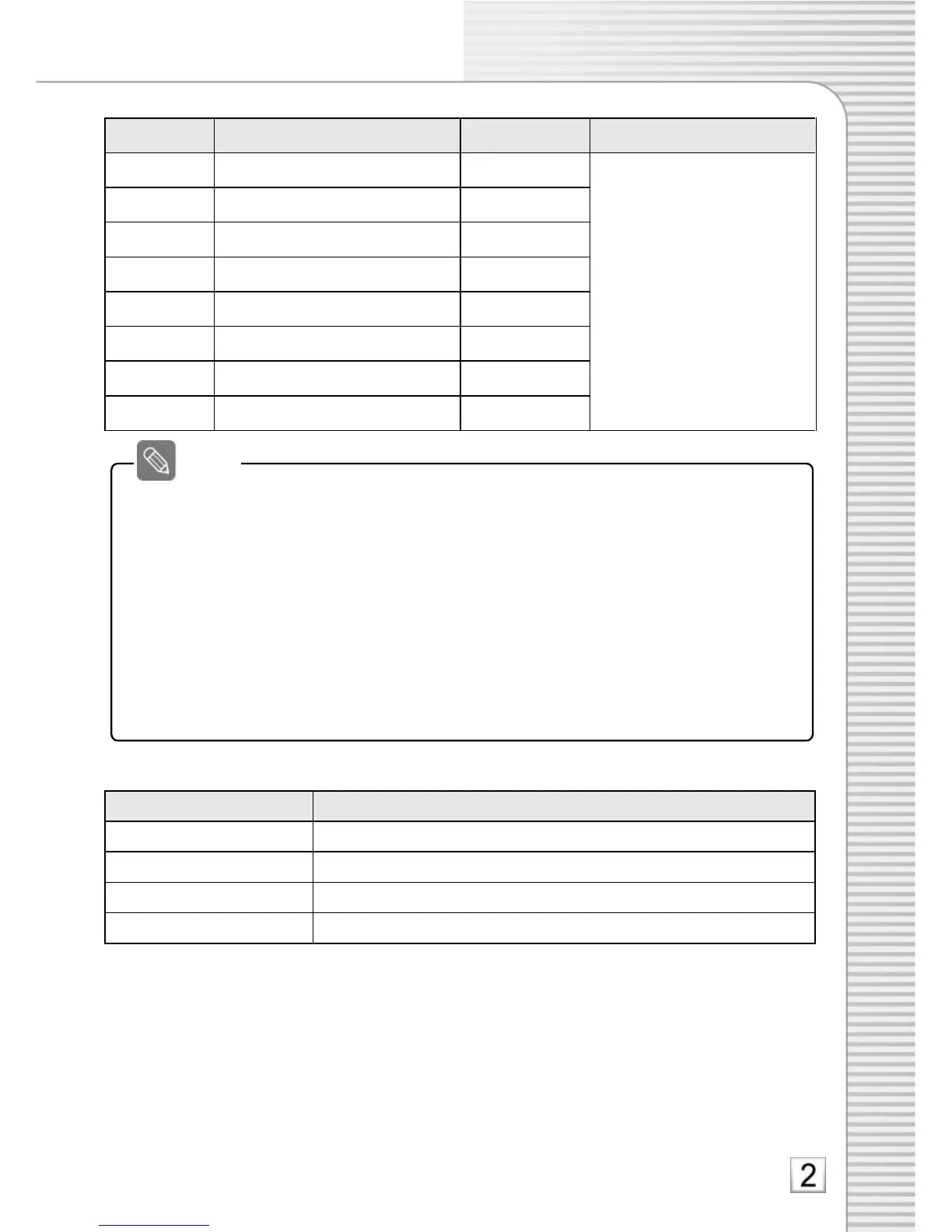
Continuous recording (Full Frame)
*With ADR3000, maximum SD
card’s recordable times are as
follows: (In case of ADR2000,
recordable time is doubled)
- 2GB: 12 hours
- 4GB: 24 hours
- 8GB: 48 hours
Maximum 51 hours is the
limit
Low Batt function setting
minimum 12V (12V battery) or minimum 24V (24V battery)
5. Setting APW2200 switches
1) Time setting
The time is accumulated while the switch is on. When the IGN signal is turned off and the specified time is
lapsed, power is automatically turned off.
Example 1) #1 On: Full frame recording for the specified time (Off: at 1 to 3 frame rate)
Example 2) #1 & #2 On: Full frame recording is done for an hour and the DR power is turned off.
Eample 3) All OFF: The timer is off. When power is off, it gets off.
2) Low Batt function
It is used to prevent car battery discharge caused by DR.
* When you drive your car a short distance or the power status of your car is not stable,
regardless of the timer setting, DR cuts off power not to discharge your car battery.
6. Electrical characteristics of APW2200
• The car park monitoring starts in about one minute after IGN is turned off.
When IGN power is off, it records at maximum frame rate. After one minute, it records
at 1 to 3 frame rate. (With #1 switch On, the display is still on.)
• When IGN power is off, I.R does not operate.
• During continuous recording by using the #1 switch, the sensitivity of G-Sensor is
changed to Sensitive.


 To Next Page