Omni Wi-Fi IP Camera User’s Manual
17
Web Client
Restore the Default Sengs
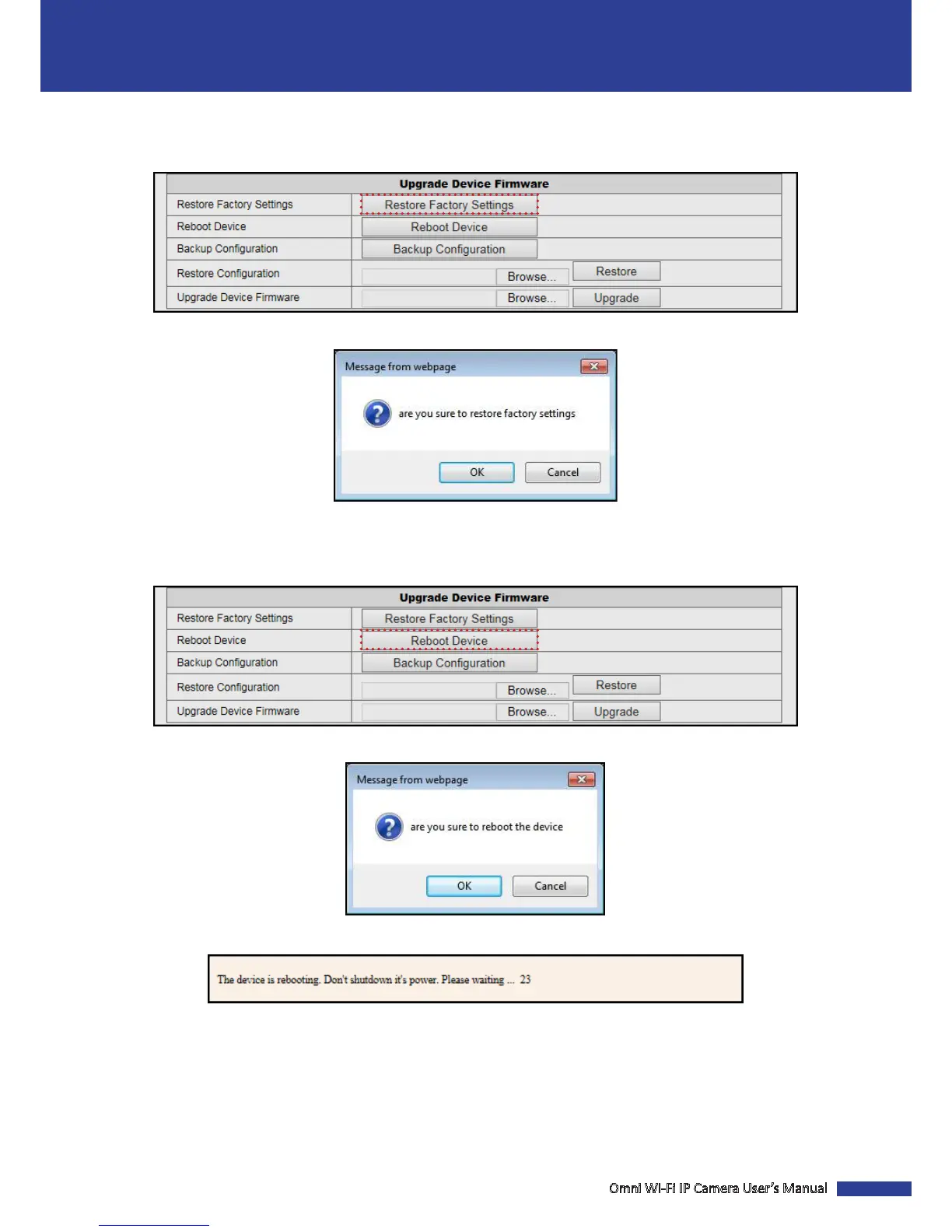
Click Maintain > Restore Factory Sengs to restore all parameters to the factory default sengs.
A conrmaon message appears on the screen. Click OK to reset the current parameters to the factory default sengs.
Reboot the Device
Click Maintain > Reboot Device to reset the camera.
A conrmaon message appears on the screen. Click OK to reboot the system.
NOTE: Do not disconnect the device from the power supply during the reboong process.



 To Next Page