Omni Wi-Fi IP Camera User’s Manual
7
Web Client
Task Bar
To access the common funcons, click the respecve icon shown on the task bar.
• Click to enable the audio funcon. You can hear the live audio from the camera via PC if the audio seng is
set to ON. Click it again to disable the audio funcon.
• Click
to enable the talk funcon. You can talk between the PC and camera if an audio device connected. Click
it again to stop the talk funcon.
• Click
to start record manually. The video recording starts. Click it again to stop the manual recording.
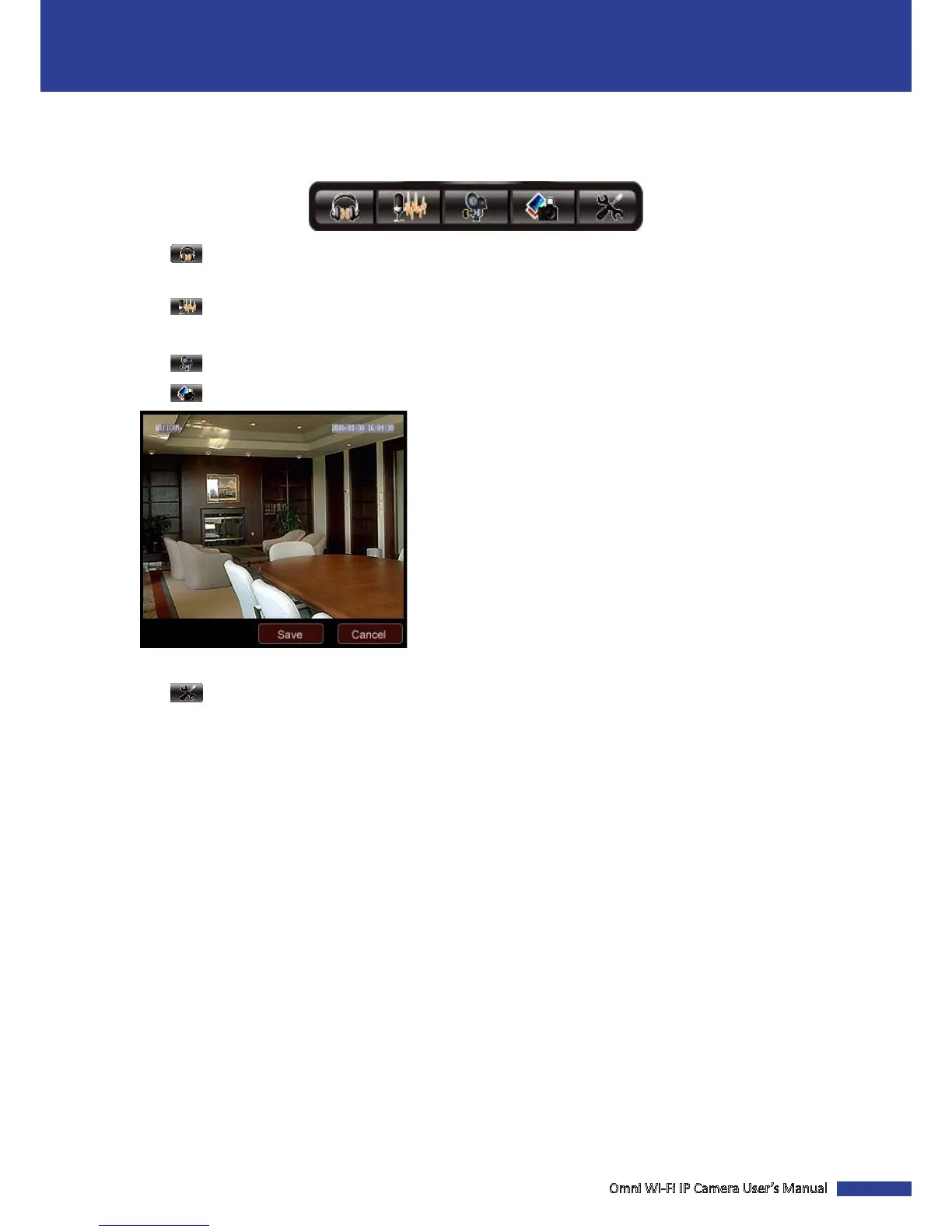
• Click to take a snapshot.
Click Save to save the captured image into your computer.
• Click to access the Sengs page.



 To Next Page